How does Sign in with Google work?
On this page
You can create your UtilitySEO account with your Google account and then sign in with one click on Sign in with Google, with no password and no emailed code, because Google has already checked it is you. Signing in with Google does not connect Search Console or Analytics; you connect those separately for each project.
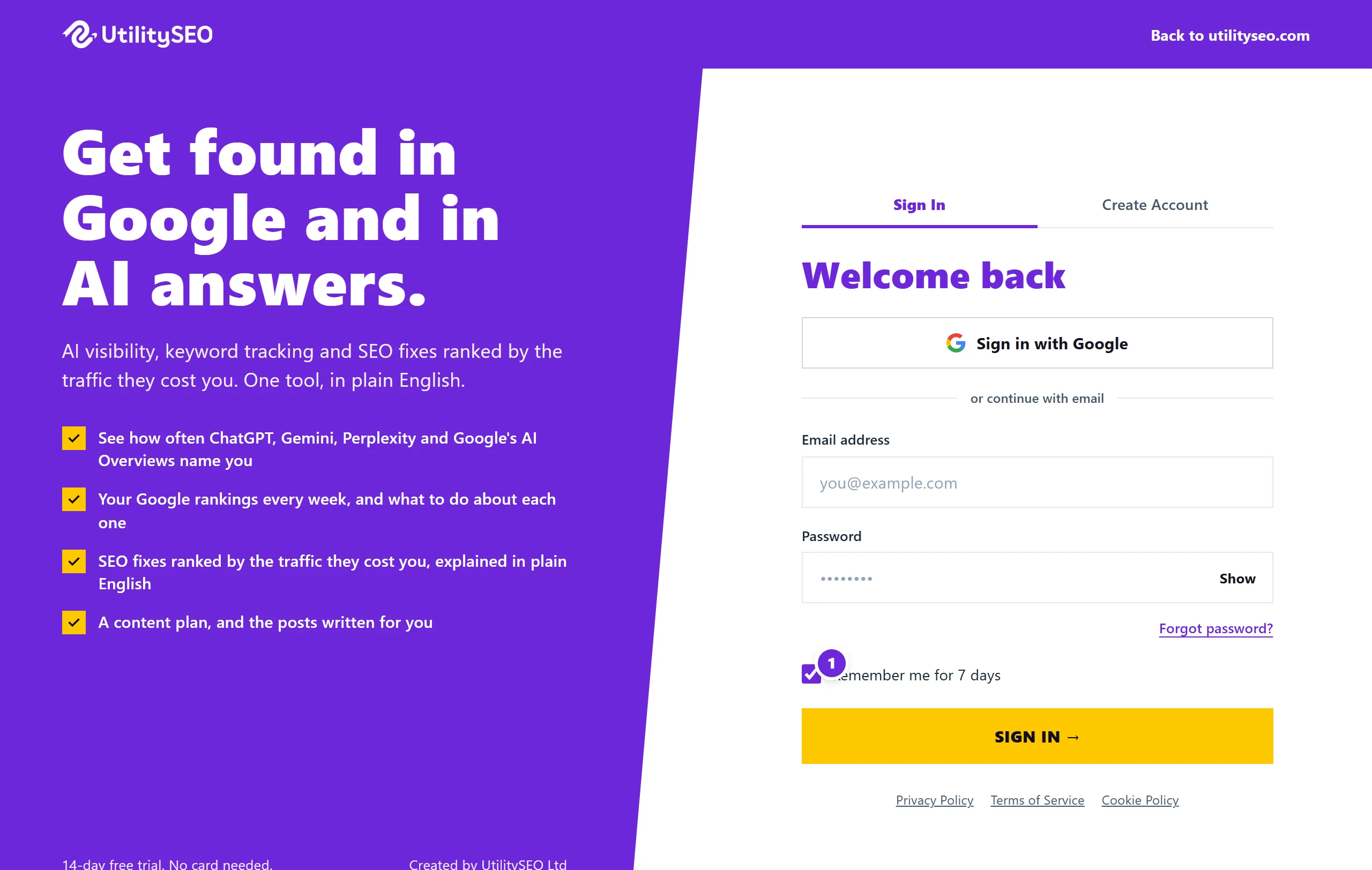
Sign up with Google
- Go to https://app.utilityseo.com and choose to sign up.
- Press Continue with Google and pick your Google account.
- Fill in the short form: tell us about yourself, add a promo code if you have one, and tick that you agree to the Terms and Privacy Policy and are 18 or over.
- Press Complete signup →.
Your free trial starts straight away: 14 days of Minimum with no card, or 30 days or more with a code. See how the free trial works.
Sign in with Google
- On the sign-in page, press Sign in with Google.
- Pick the same Google account you signed up with.
You go straight in. A closed account cannot be reopened this way: see close your account. For how long a sign-in lasts, see sign-in codes and Remember me.
What we receive from Google
Only your Google account id, email address, name and picture. Signing in gives us no access to your Search Console, Analytics or Ads. Those are connected per project in Project settings, and Google asks you separately. See why we ask for Google access.
Adding a password as well
If you want to sign in with an email and password too, go to the sign-in page, press Forgot password?, enter the same email address and press Email me a reset link. The link sets a password for your account. You can then use either way in.
Questions people ask
Google says "No account found for this Google login". Why?
No UtilitySEO account uses that Google account's email address. You may have signed up with a different email address: sign in with that address and its password, or pick the matching Google account. If you have never signed up, choose to sign up first.
Can I sign in with Google if I signed up with an email and password?
Yes, if the Google account has the same email address as your UtilitySEO account. The first time, we link the two, and from then on either way works. A Google account with a different email address is not linked.
Do I need to change anything when I change my Google password?
No. Your UtilitySEO sign-in keeps working. Google connections to Search Console or Analytics may stop and need reconnecting: see reconnect Google.
Can I change the email on a Google account?
Yes, in Settings, Account, Email address. You are not asked for a password; we send a code to the new address instead. See change email or password.