How do sign-in codes and "Remember me for 7 days" work?
On this page
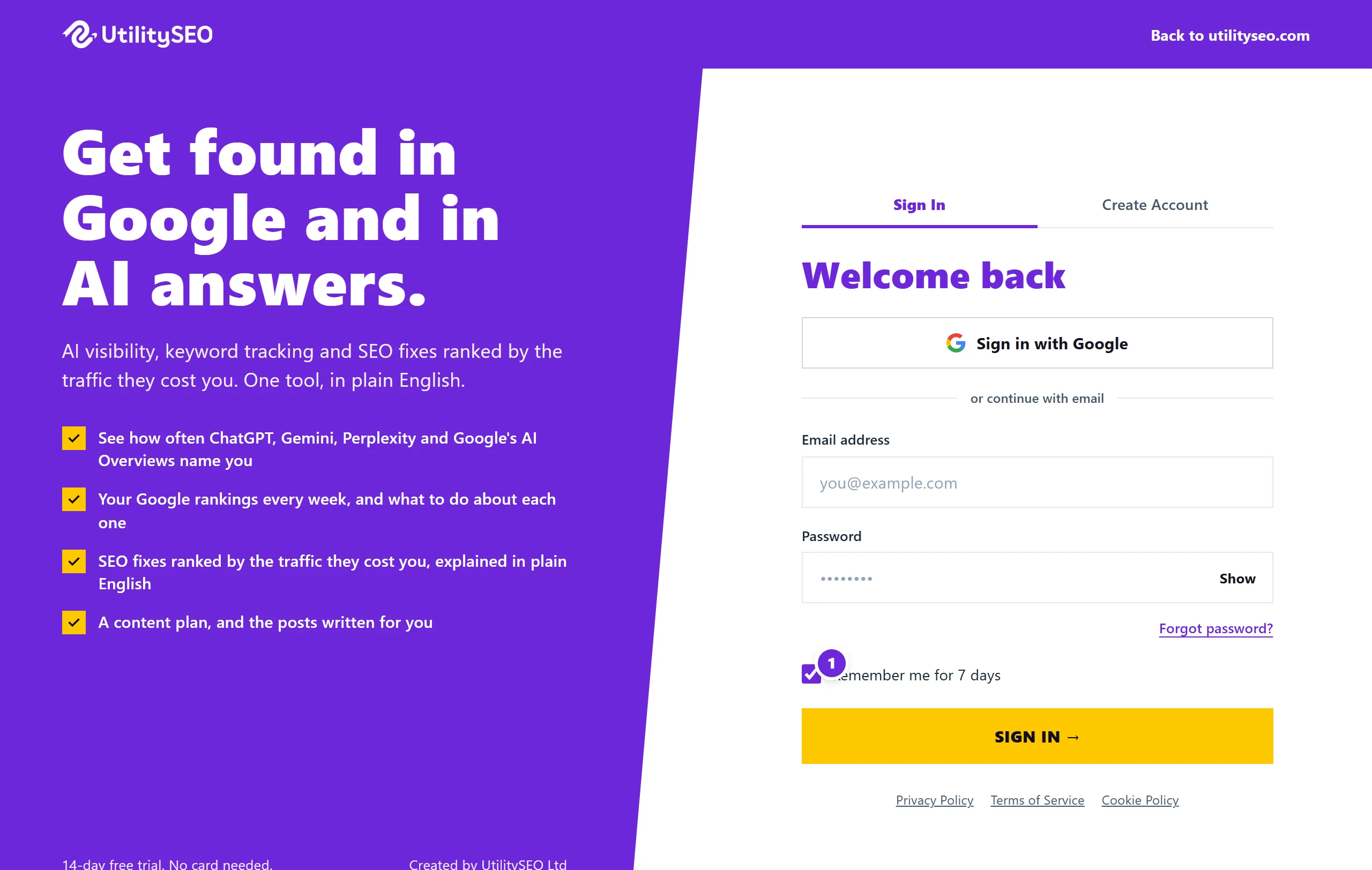
When you sign in with your email and password, we email you a 6-digit code to prove it is you, and ask again once your last code is more than 30 days old. With Remember me for 7 days ticked, you stay signed in after closing the browser, and a browser where you have entered a code can skip it while you keep signing in there at least once every 7 days. Untick it on a shared computer.
The sign-in code
- Enter your email address and password and press Sign In.
- Check your inbox for an email from noreply@utilityseo.com with a 6-digit code.
- Type it under Verification code and press Verify and continue.
Codes expire 15 minutes after they are sent. If it has not arrived, press Resend code. After five wrong codes that code stops working, and you sign in again to get a fresh one.
You are asked for a code the first time you sign in, and again whenever your last code is more than 30 days old. Sign in with Google skips both the password and the code, because Google has already checked it is you.
Remember me for 7 days
The box sits under the password and is ticked unless you untick it. Your choice is remembered on that browser.
| Ticked | Unticked | |
|---|---|---|
| Closing the browser | You stay signed in | You are signed out |
| How long a sign-in lasts | 7 days, renewed while you use the app, up to 30 days | Until the browser closes, 12 hours at most |
| This browser and the code | Trusted for 7 days after your last sign-in here | Not trusted |
A trusted browser is one where you entered a code with the box ticked. When the 30 days are up, a trusted browser is not asked for a new code, as long as you signed in there in the last 7 days.
While you keep using the app your sign-in renews itself, so you are not signed out in the middle of something. If a session does end, signing back in returns you to the page you were on.
What ends a sign-in
- Sign out ends it on that browser and removes the browser's trust.
- Changing or resetting your password signs you out everywhere else and stops every browser being trusted.
- Closing your account ends every session at once.
Questions people ask
Can I turn the code off?
No. The code protects your Google data and your website connections, so it is part of every email and password account. Ticking Remember me for 7 days on your own computer means you see it less often.
Why was I asked for a code when I ticked the box?
Your last code was more than 30 days ago and this browser was not trusted: you had not signed in there in the last 7 days, you had signed out, you were in a private window, your browser data was cleared, or your password had changed.
The code email has not arrived. What now?
Check spam or junk, then press Resend code. See cannot sign in for the other checks.