How do I sign up and start my free trial?
On this page
Go to https://app.utilityseo.com, choose to sign up with your email or with Google, and follow the short sign-up steps. Your free trial starts as soon as the account is made: 14 days of the Minimum plan with no card, or 30 days or more if you have a code.
Sign up step by step
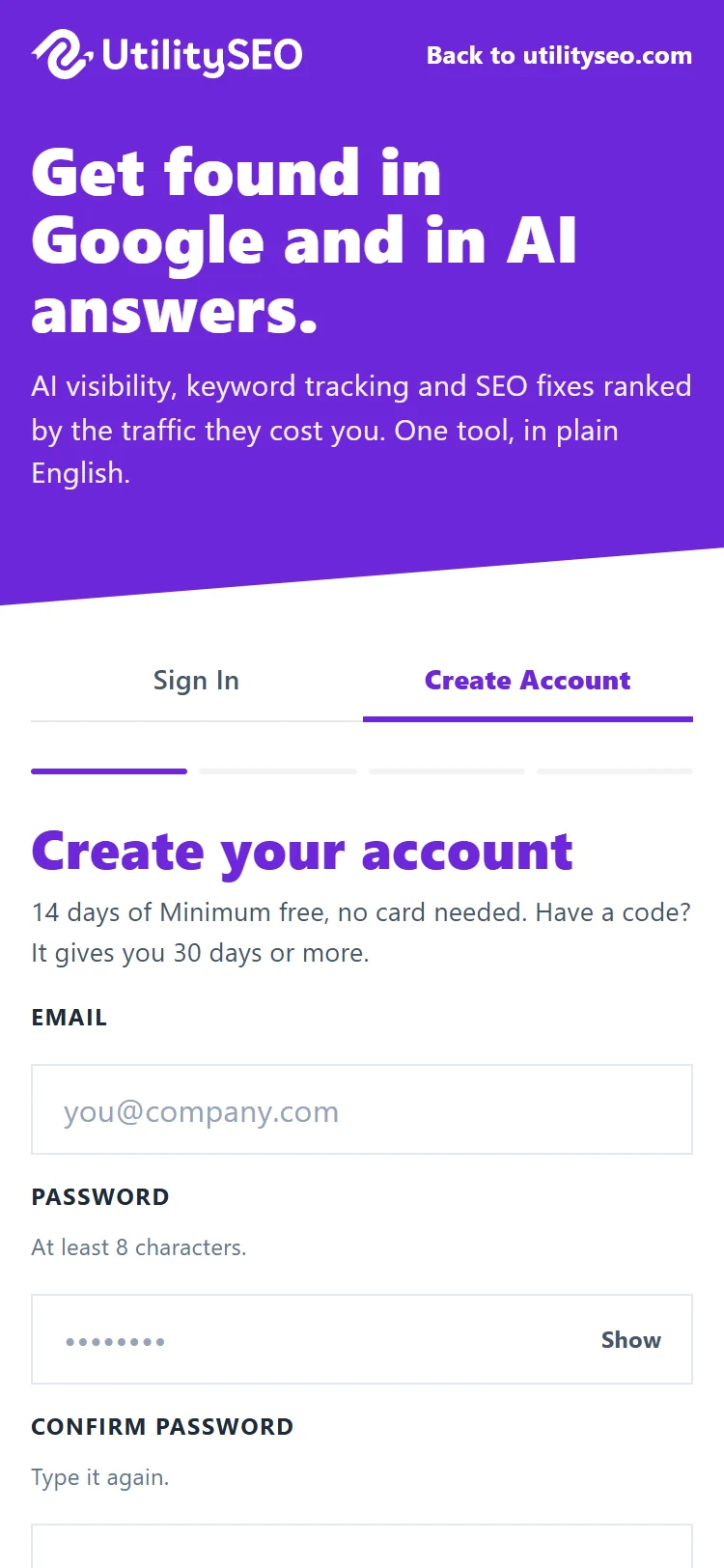
- Open https://app.utilityseo.com and choose Sign up with Google, or sign up with your email and a password (at least 8 characters).
- Tell us your first and last name.
- Tell us about your business: the kind of business, your role and where you heard about us. These are optional, and Skip this moves on.
- On the last step, tick the box to agree to the Terms and the Privacy Policy and confirm you are 18 or over. Two more boxes are optional and start unticked: occasional product news by email, and anonymous usage analytics.
- Press Start my 14-day trial (the number shows the length of your trial).
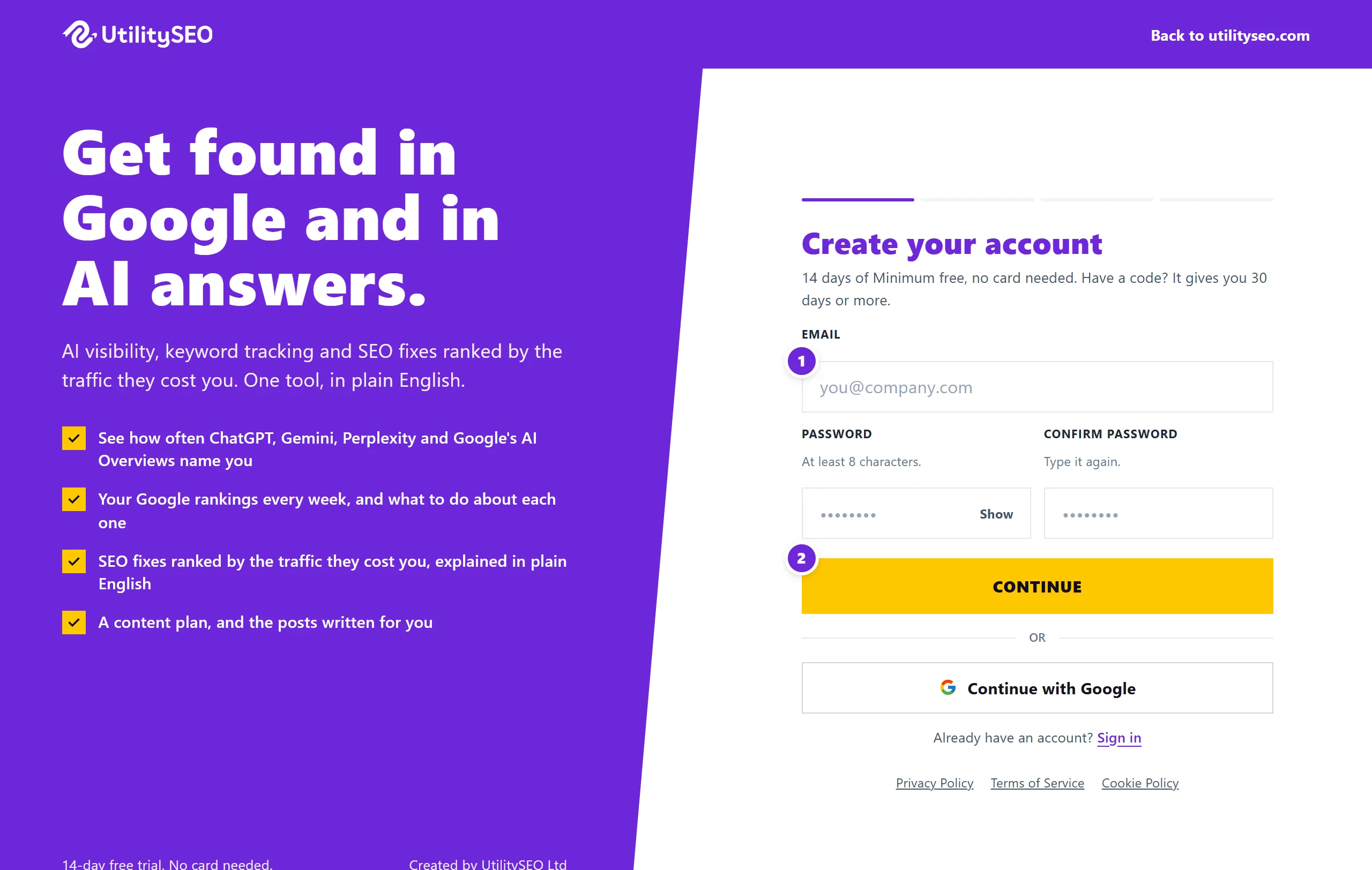
Using a code
If a partner or a friend sent you a link, the code is already filled in and the page says what it gives you, for example 30 days of Entrepreneur. To type one yourself, choose Got a code, enter it and press Apply. If a code is not valid, you can carry on without it.
Signing in afterwards
When you sign in with your email, we send a 6-digit code to your inbox. It lasts 15 minutes. We ask for a fresh code every 30 days.
Remember me for 7 days is ticked unless you untick it. Leave it ticked on your own computer. Untick it on a shared computer, so you are signed out when the browser closes.
What happens next
You land on your Projects screen. Add your website and we start your first site scan. See add your website and your first week.
Questions people ask
Do I need a card to start the trial?
No. The trial needs no card, and nothing is charged when it ends. You choose a plan only if you want to keep going. See how the free trial works.
I did not get the sign-in code. What do I do?
Check your spam folder first. If it is not there, use Resend code. Each code works once and lasts 15 minutes.
Can I sign up with Google instead of a password?
Yes. Sign up with Google skips the password. Signing in with Google gives us your name, email address and picture, nothing from your Search Console or Analytics. Connecting those is a separate step you choose later.
Can I add a code after I have signed up?
A code is applied when the account is made, so enter it on the first step. If you forgot, email support@utilityseo.com with the code and we will look at it.