How do I change my email address or password?
On this page
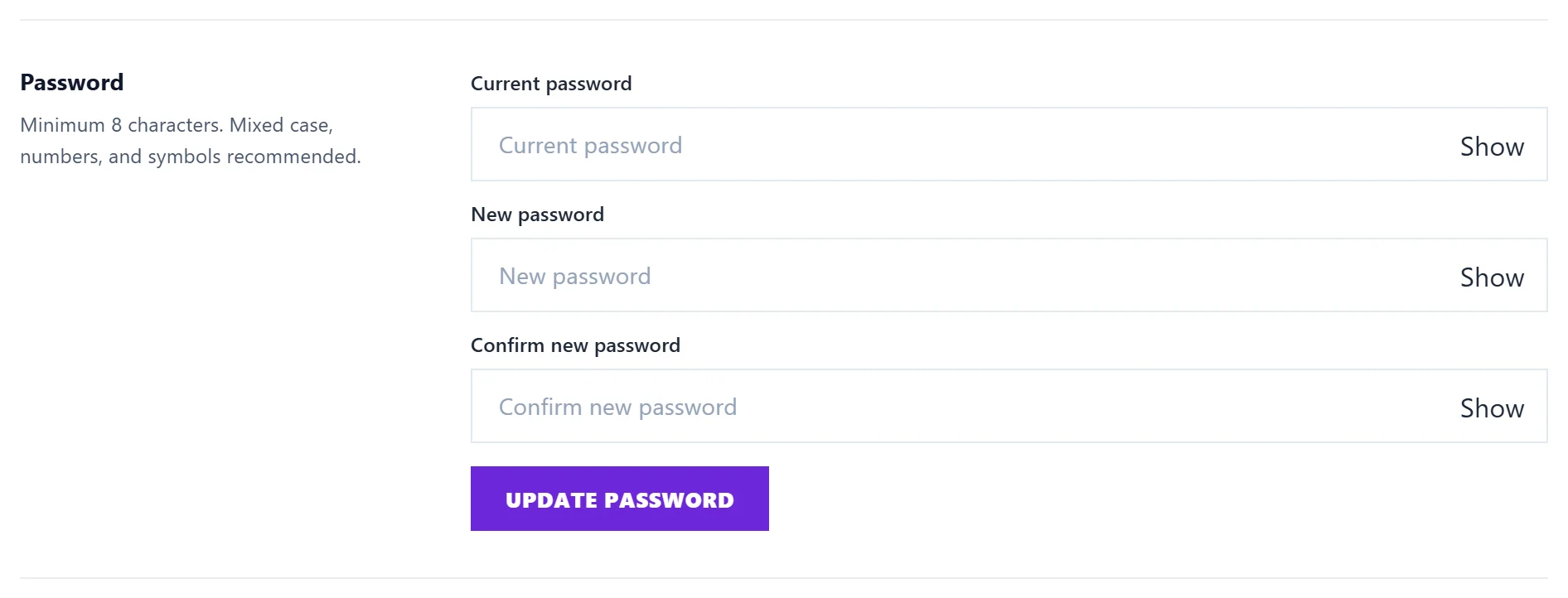
Both are in Settings, then Account. To change your password, enter your current password and the new one twice, then press Update password. To change your email address, enter the new address and your password, press Send confirmation code, then type the 6-digit code we send to the new address. Nothing changes until that code is entered.
Change your password
- Open Settings, then Account.
- Under Password, fill in Current password, New password and Confirm new password. Use at least 8 characters.
- Press Update password.
You stay signed in on the browser you are using. Every other device and browser is signed out, so if someone else had your password, they lose access.
Forgotten your password?
- On the sign-in page, press Forgot password?.
- Enter your email address and press Email me a reset link.
- Open the email and choose a new password.
The link works once and lasts 30 minutes. Your current password keeps working until you use it. We never send a password by email.
If you signed up with Sign in with Google and want a password as well, use Forgot password? in the same way to set one.
Change your email address
- Open Settings, then Account.
- Under Email address, type your New email address.
- If your account has a password, enter it under Confirm with your password.
- Press Send confirmation code.
- Enter the 6-digit code from the email sent to the new address, then press Confirm new email. The code lasts 30 minutes.
From then on you sign in with the new address, and your receipts and billing emails go to it too.
If someone else changed your email
When the address changes, your old address gets an email with a button to put it back. For two weeks that button restores your old address and signs everyone out of the account. Then change your password straight away.
Questions people ask
I typed the new address wrong. Is my account stuck?
No. Nothing changes until the code from the new address is entered, so a typo only wastes a code. Press Cancel and start again with the right address.
Why was I signed out on my phone?
Your password was changed or reset, which signs out every other device. Sign in again with the new password. See sign-in codes and Remember me.
Can a team member change my email or password?
No. Only you can change your own sign-in details, from your own Settings.