Which website will my posts publish to, and where is the log?
On this page
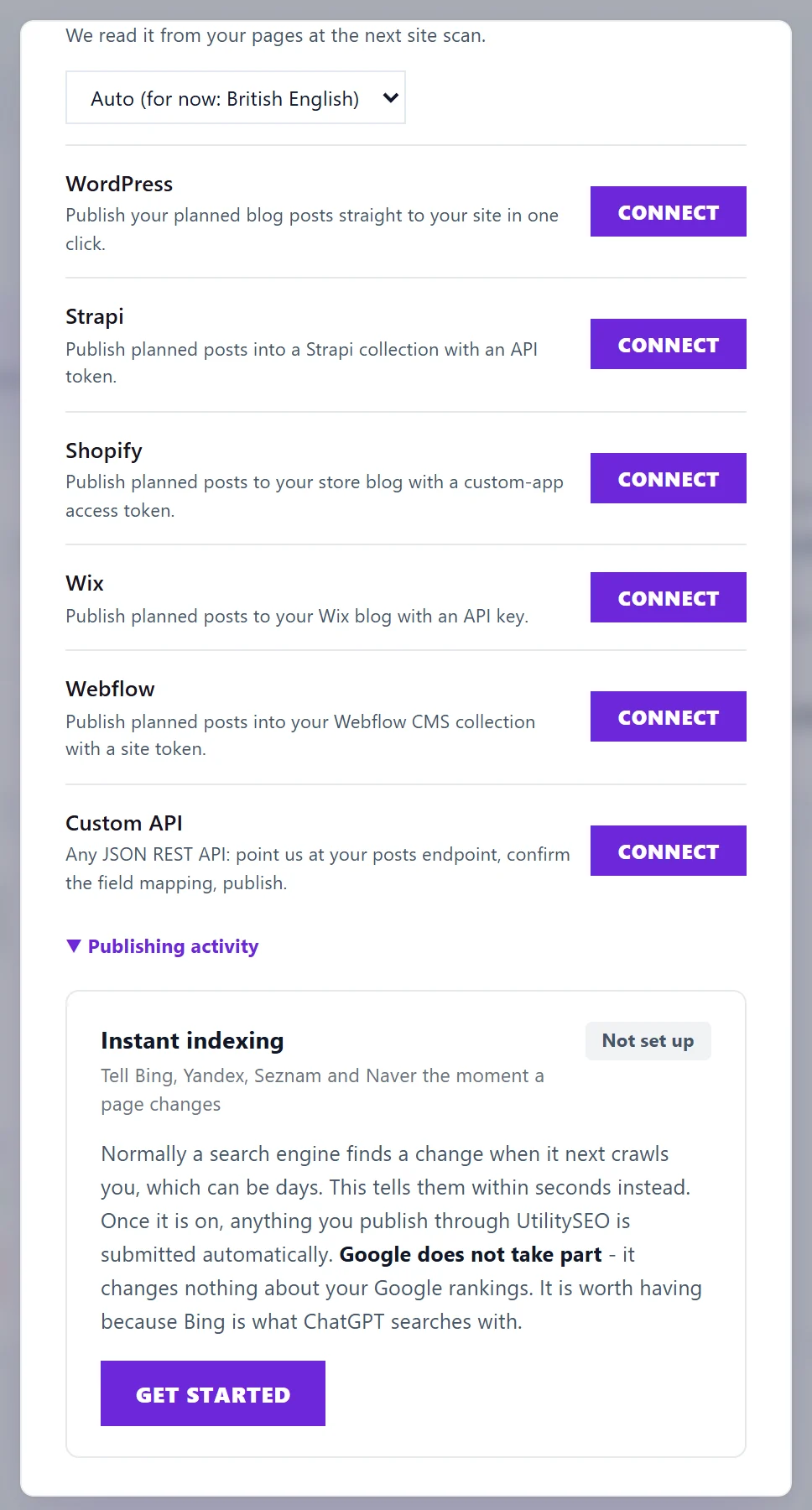
Each website platform connection belongs either to one project or to the whole workspace, and a project's own connection always wins. Project settings, Connections names the site every connection publishes to, for example "Publishing to yoursite.co.uk, as a draft". Everything written to your website is listed under Publishing activity on the same tab.
Project or workspace
When the workspace owner connects a platform, Use these credentials for offers:
- This project only: posts from this project go to this site.
- Every project in the workspace: every project without its own connection publishes to this site. Useful for an agency running one system across many clients, but check it is what you want.
A connection shared across the workspace shows Shared across workspace beside Connected. Full Access members can connect a platform for a project but cannot set a workspace one.
When a project needs a different site
If a project inherits the workspace connection but its posts belong somewhere else, press Use different for this project and connect that project's own site. The project then says "This project has its own connection, so it is used instead of the workspace one."
Disconnecting
- Disconnect removes a project's own connection.
- Remove for workspace removes a shared one, for every project using it. Only the owner sees it.
Posts already published stay on your website.
Publishing activity
Press Publishing activity at the bottom of the website platforms to open the log. Each line shows:
- when it happened;
- who did it, or autopilot for posts the Blog Plan published on its own;
- what happened: published, auto-published, unpublished, removed, applied changes, reverted changes, connected or disconnected;
- which platform, and which post or page.
A failed line is marked failed, with the reason in plain words and one button: Reconnect opens that platform's form, or Retry from the Blog Plan or Retry from Opportunities takes you back to where the change was made. See publishing to my website failed.
Questions people ask
Can I see what UtilitySEO changed on my site last month?
Yes. Publishing activity keeps every publish, unpublish, title change and connection change, whether a person or autopilot made it.
Does anything get published without me knowing?
Only if you switch on Autopilot in the Blog Plan, and even then every post is logged here. Title and description changes are only applied after you approve them. See publish to your website.
Which platforms can I connect?
WordPress, Strapi, Shopify, Wix, Webflow and Custom API. See connect WordPress, connect Shopify, connect Wix, connect Webflow, connect Strapi and connect a custom API.