How do I use a promo, partner or referral code?
On this page
Enter the code when you sign up: on the first step, choose Got a code, type it and press Apply. The page confirms what it gives you, for example "30 days of Entrepreneur, no card needed". A link with a code in it, such as one from a partner or a friend, fills the code in for you. Codes work on brand-new accounts only and give a free trial of at least 30 days.
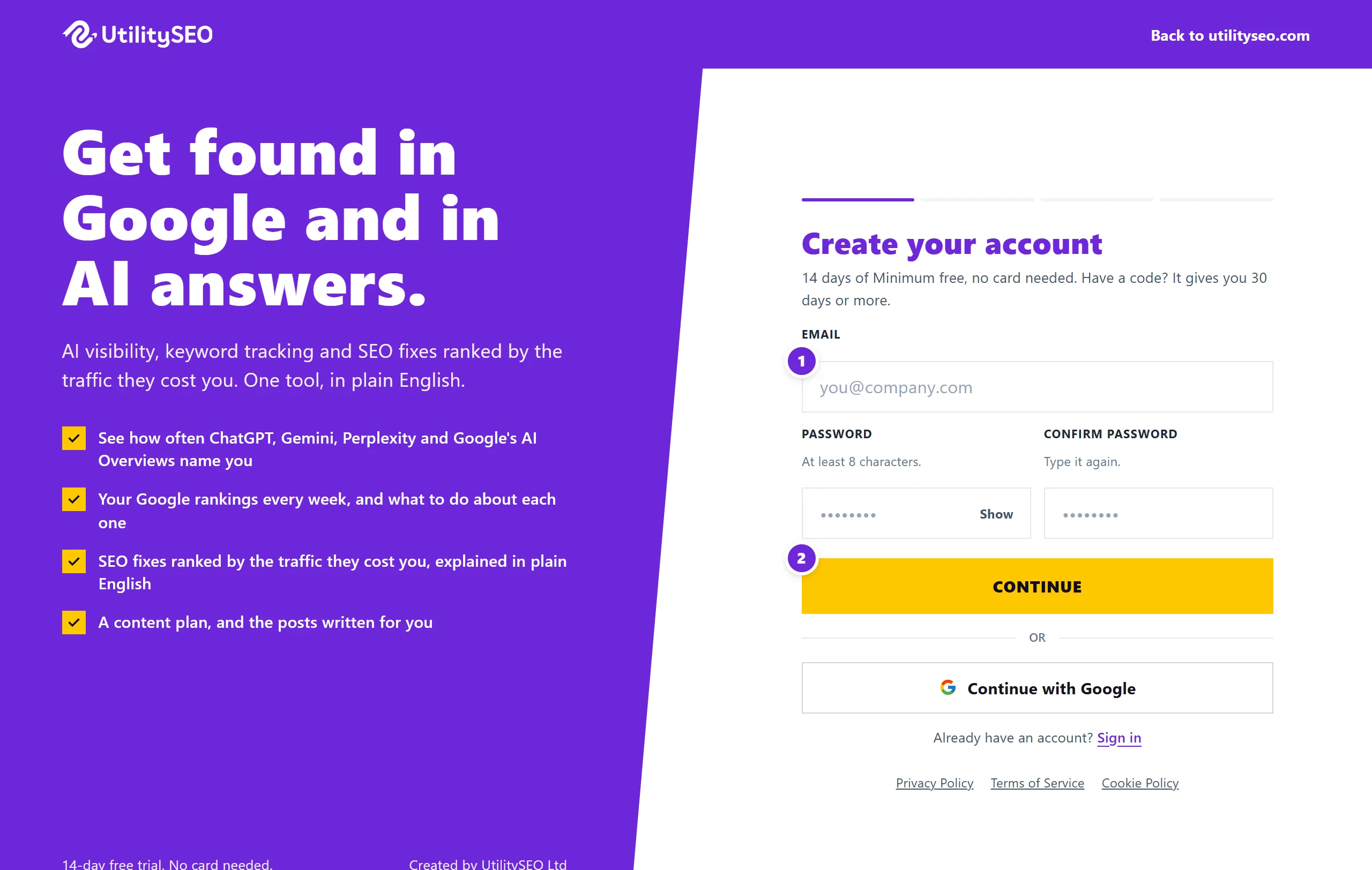
Use a code when you sign up
- Go to https://app.utilityseo.com and choose to sign up.
- On the first step, press Got a code.
- Type the code and press Apply.
- Check the message: "Your code ... is applied: 30 days of Minimum, no card needed" or similar. The button changes to Start my 30-day trial (or the number of days the code gives).
- Carry on with the sign-up steps.
If you sign up with Google, there is a Promo code box on the form that follows. See Sign in with Google.
Links with a code in them
Partners, affiliates and customers share links that carry a code:
- A sign-up link such as https://app.utilityseo.com/auth/signup?code=EXAMPLE fills in the code as you arrive.
- A link to our website ending in
?ref=EXAMPLEremembers the code, so it is applied when you go on to sign up.
What a code gives you
| Without a code | With a code | |
|---|---|---|
| Trial length | 14 days | 30 days or more |
| Plan you try | Minimum | Minimum, Entrepreneur or Enterprise, depending on the code |
| Card needed | No | No |
A code never gives less than the standard trial. See how the free trial works.
Discount codes at checkout
Some promotions are a discount on your subscription rather than a longer trial. Those are entered on Stripe's checkout page when you choose a plan, in the promotion code box. See invoices and payment.
Questions people ask
It says "That code is not valid". What now?
Check the spelling. Codes can expire or reach their limit of uses. You can still sign up without one and get the standard 14-day trial.
Can I add a code after I have signed up?
Not yourself. Email support@utilityseo.com with the code and we will look at it.
Why was my code refused on an email address I used before?
Codes are for brand-new sign-ups. If the address has had an account with us, even one that was closed and erased, you can sign up again without a code. A closed account within its 30 days reopens by signing in instead: see close your account.
I want my own code to share. How?
Customers get a referral link in Settings, Refer a friend. Creators and partners can join the affiliate programme in Settings, Affiliates. See refer a friend and the affiliate programme.