How do I pay, and where are my invoices?
On this page
You pay by card through Stripe, monthly or yearly, in pounds. Your invoices are in Settings, Billing, under Invoice history, where you can download each one as a PDF. To change your card, press Manage billing & subscription on the same tab.
How payment works
- Payment is by card, taken on Stripe's secure checkout page. UtilitySEO never sees or stores your card number.
- Monthly plans renew every month and yearly plans every year, at the same price, until you cancel.
- Your subscription starts the day you first pay.
- If you have a promotion code for a discount, you can enter it at checkout.

Download your invoices
- Open Settings and choose the Billing tab (or go to https://app.utilityseo.com/?settings=billing).
- Scroll to Invoice history. Your recent payments are listed.
- Click a row to select it; select several to download them together.
- Press Download 1 PDF (or Download with the number of PDFs). To open just one invoice, press PDF at the end of its row.
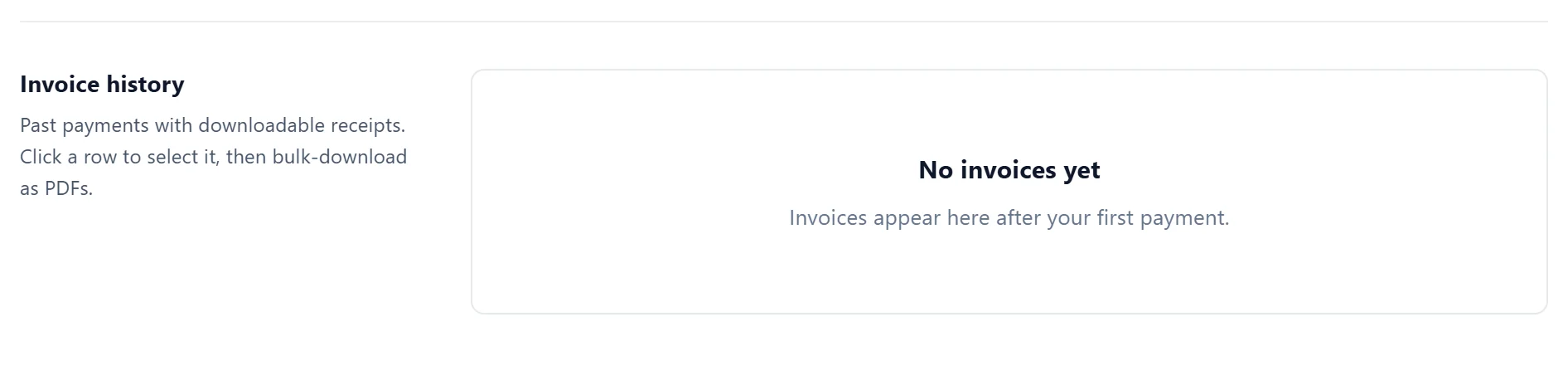
Invoices appear here after your first payment.
Update your card
- Open Settings, Billing.
- Press Manage billing & subscription. This opens your Stripe billing page.
- Update your card there.
The same page lists your past invoices and lets you change or cancel your plan.
If a payment fails
- We email you to say the payment did not go through, with a link to your billing settings.
- You have up to 30 days to update your card.
- If the payment still has not gone through, the account moves off the paid plan and the app asks you to choose a plan. Your data is kept.
The most common causes are an expired card or a bank declining a recurring payment. Updating the card in Manage billing & subscription usually fixes it.
Questions people ask
Who will the invoice be from?
UtilitySEO Ltd, a UK company (Companies House number 17055142).
Can I pay by bank transfer or PayPal?
Not at the moment. Payment is by card only.
The invoice list says "No invoices yet". Why?
You have not paid yet, for example because you are still on the free trial. Invoices appear after your first payment.