What is on the New Scan page?
On this page
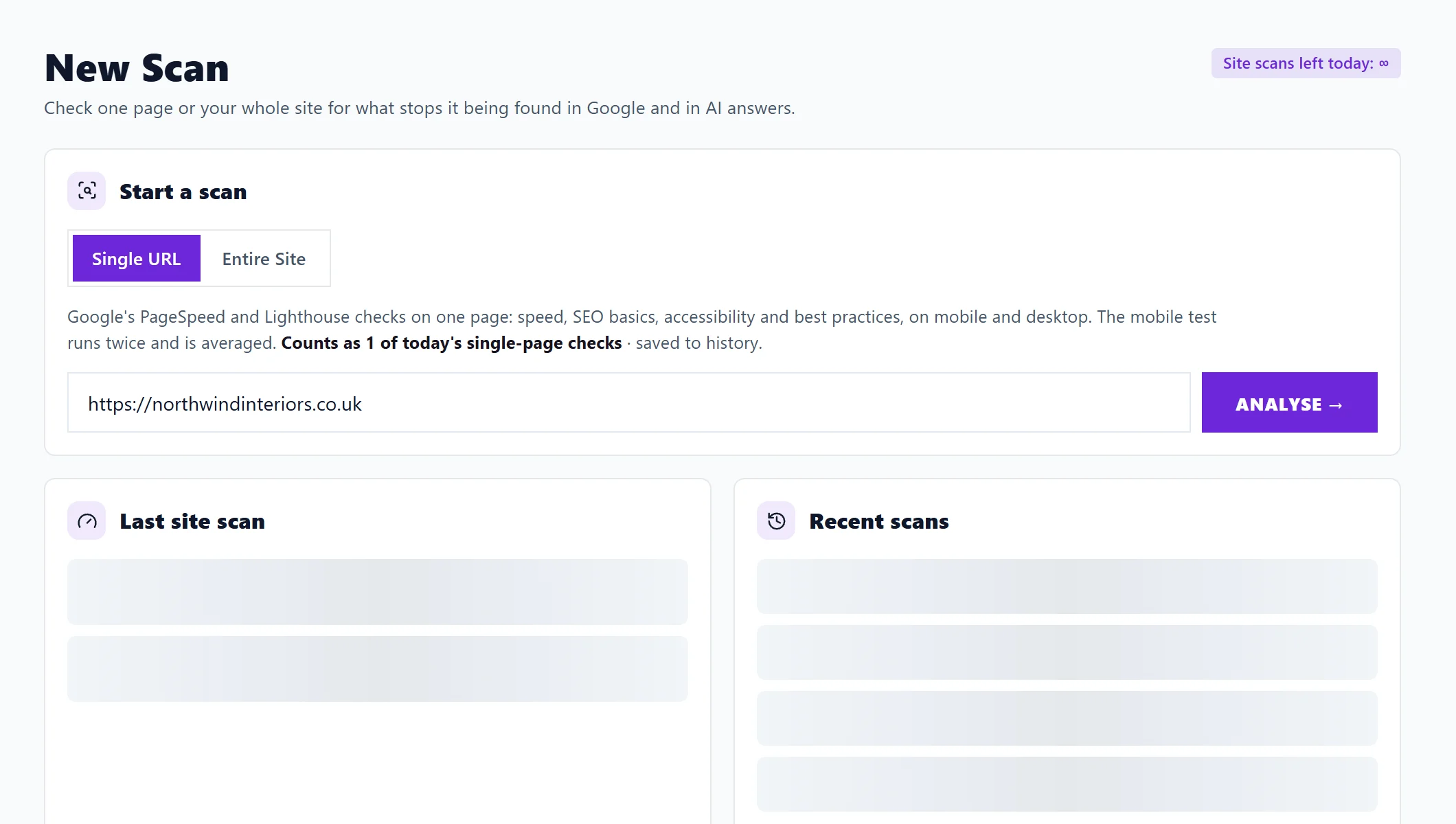
New Scan is the first tab of Audit in the sidebar. It is where you start a scan of one page or your whole site, see how many site scans you have left today, and look back at your last site scan and your recent ones. Every other Audit tab (SEO Results, Site Health, Site Audit and Fix Guides) reads from the scans you start here.
The Audit tabs
| Tab | What it is for |
|---|---|
| New Scan | Start a scan |
| SEO Results | Every finding, most costly first, with how to fix it. See SEO Results explained |
| Site Health | Your health score area by area, plus three checks that need no scan. See the Site Health page |
| Site Audit | Extra audits and tools: broken links, spelling, content, page history, your sitemap, find a phrase. See Site Audit |
| Fix Guides | Plain-English guides to every issue a scan can flag. See the Fix Guides |
Start a scan
The Start a scan card has two choices:
- Single URL checks one page with Google's speed and quality tests. See check a single page.
- Entire Site reads every page it can find, up to the number you choose. See run a site scan.
Your project's address is filled in for you. Once a trial has ended, Entire Site shows the plan you need instead.
Site scans left today
The figure at the top right, Site scans left today, counts down as you start whole-site scans. It resets at midnight UK time. Minimum has 3 a day, Entrepreneur 5, and Enterprise is unlimited within fair use (shown as ∞). Single-page checks are counted separately.
Last site scan
Your latest whole-site scan at a glance: its health score with Good, Needs work or Poor, how many pages it read (and how many failed), when it ran, and What changed since the scan before: the score up or down, how many issues were fixed and how many are new. If the two scans read very different numbers of pages, the score is not compared, because a bigger scan finds more. Site Health and Open SEO Results open the full picture.
Recent scans
Your 5 most recent site scans, newest first, with the date, the pages read, any that failed, the score and how much it moved. Click a scan to open it in SEO Results. See scan history.
Questions people ask
I have no scans yet. What do I press?
The Last site scan card offers Scan my whole site, which switches to Entire Site for you. Check the address and press Scan Site.
Can I leave the page while a scan runs?
Yes. Whole-site scans run on our servers. Progress shows on New Scan while you are there, and the results appear in your history when the scan is done.