What does the Site Health page show?
On this page
Site Health, a tab of Audit, shows how healthy your site is, area by area, and where to start. At the top is your health score with its grade, trend and counts. Below are six area cards (indexing, links, content, speed, AI answers and technical), three checks that need no scan, and the detail behind the score: what changed, what was crawled, internal links, structured data and issues over time.
The score strip
- Health score out of 100, with a grade (Excellent, Good, Fair or Poor), how many pages it covers and the date of the last scan. See the health score explained.
- Errors (critical and high), Warnings (medium) and Notices (low): click one to open SEO Results showing only those.
- Fixed: to-dos marked done on this project. Click it to open your Progress list. See track issues and the Progress list.
- Against your last comparable scan: the change in points, what it was and your best ever.
- Health trend: the score over your recent scans. If they read very different numbers of pages, it warns that the line is not like for like.
- Start with: the area to work on first.
How this score works opens a short explanation, and how your score compares with other sites once there are enough to compare.
See what to fix opens SEO Results. Refresh reloads the page.
The area cards
Six cards: Indexing, Links, Content, Speed, AI answers and Technical. Each shows its status, how many issues and pages, and its top three issues with severity. See in SEO Results opens the findings for just that area.
Some cards add a line of their own:
- Links: how many pages have no internal links pointing at them, with Link details.
- Indexing: the share of your pages with structured data, the code that describes a page to search engines and AI assistants.
- Speed: a reminder that speed is scored separately and does not lower your health score.
- AI answers: See whether AI answers name you, which opens AI Visibility.
Checks that need no scan
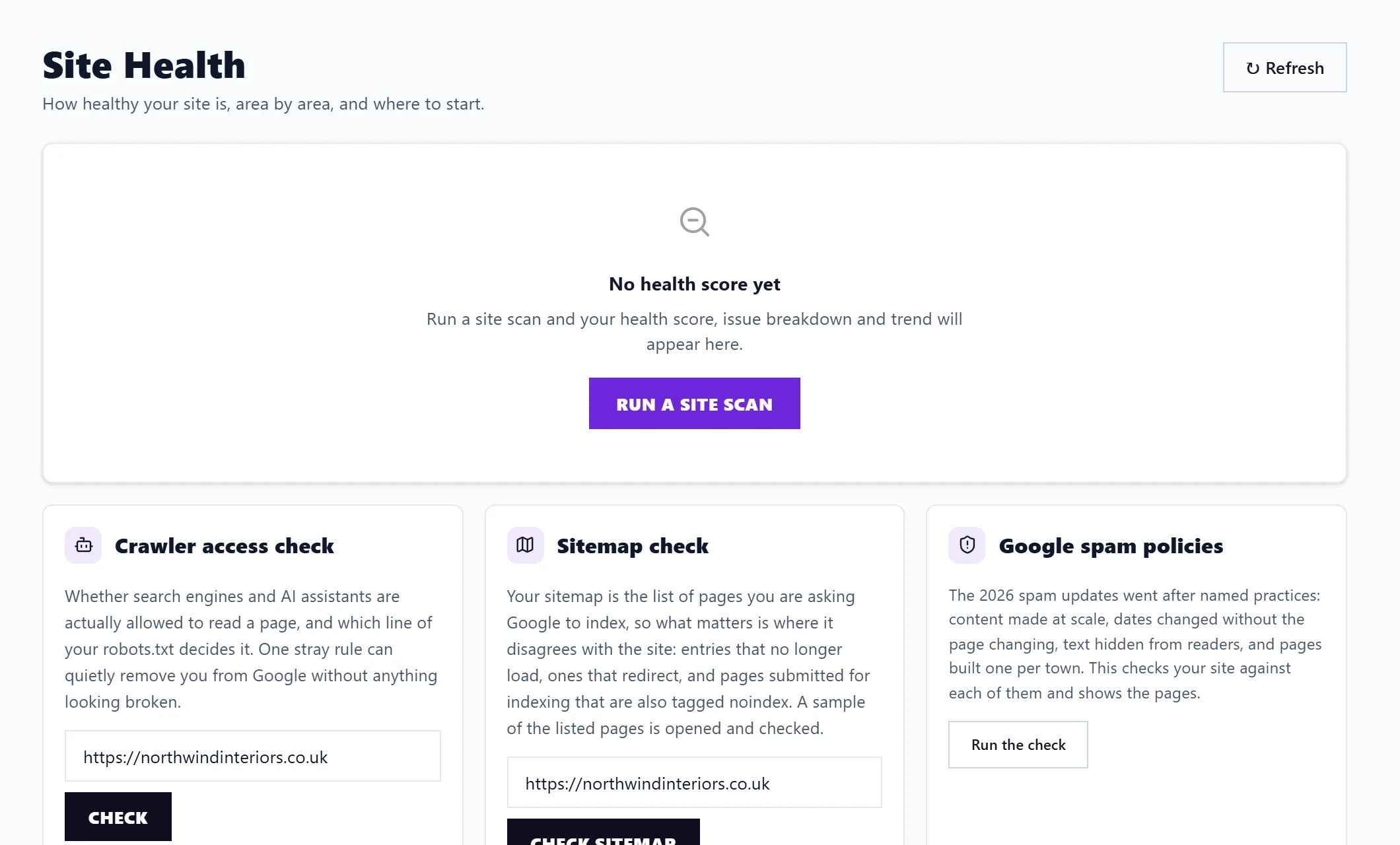
Three tools work from just your address, even before your first scan:
- Crawler access check: can Google and AI assistants read a page? See crawler access check.
- Sitemap check: does your sitemap match your site? See sitemap check.
- Google spam policies: does anything on your site look like what Google's spam rules name? See Google spam policies check.
The detail behind the score
- Since your last scan: new issues and fixed ones, over the pages both scans covered. See scan history.
- What was crawled: how many pages the scan covered, by group, and how many were not measured for speed. Not measured usually means Google's speed test timed out, not that the page has a problem; running the scan again usually picks most of them up.
- Internal links: Link to the pages nothing links to and Link to the pages that earn clicks, with the pages to link from.
- Structured data: how many pages use each kind, and any blocks that are broken, which Google ignores whole.
- Issues over time: how many checks were failing at each scan, split into errors, warnings and notices.
- What is wrong, by theme: a score out of 100 for each theme, weighted by severity and by how much of the site each issue touches.
At the foot, Run a site scan and View Progress.
Questions people ask
Site Health says "No health score yet". Why?
There is no site scan for this project yet. Run a site scan. The three checks above still work in the meantime.
Why does the score differ from my single-page check?
Site Health uses your latest whole-site scan. Without one, it shows a single page's score and says so.