How do I check a single page?
On this page
Choose Audit in the sidebar, stay on New Scan, pick Single URL, paste the page's full address and press Analyse. It runs Google's PageSpeed and Lighthouse tests on that one page, for speed, SEO basics, accessibility and best practices on mobile and desktop, and opens the results on the This Page tab of SEO Results.
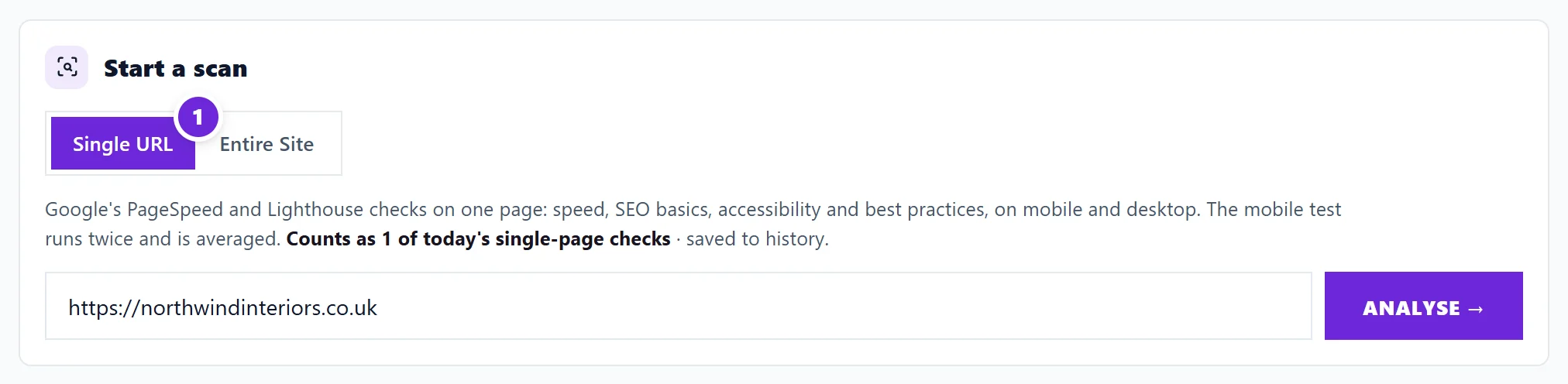
Check a page
- Open Audit, then the New Scan tab.
- Single URL is chosen to start with. Paste the address of the page, for example https://yoursite.co.uk/services.
- Press Analyse.
The check shows each step as it goes: fetching the page, testing performance, checking the meta and SEO tags (the title and description search engines read), measuring Core Web Vitals (Google's measures of loading speed and how steady the page is while it loads) and building the report. The mobile test runs twice and the two are averaged, so one slow moment does not decide the score. It usually takes under a minute.
What you get
The results open on SEO Results, This Page: scores for performance, SEO, accessibility and best practices, Core Web Vitals in plain English, and the problems found on the page with how to fix each one. See the This Page results.
Each check is saved to your history, so you can open it again later and compare.
How many you can run
A single-page check counts as one of today's single-page checks, which are separate from your site scans. Minimum and Entrepreneur include 50 a day; Enterprise is unlimited within fair use.
Single URL or Entire Site?
| Single URL | Entire Site | |
|---|---|---|
| Pages | One | Up to your plan's limit |
| Speed test | Full test on this page | On a sample of 25 pages |
| Finds site-wide problems, such as copied titles or broken links between pages | No | Yes |
| Gives the site's health score | No | Yes |
Use Single URL after changing one important page, or to test a page before it goes live. Use Entire Site for the full picture. See run a site scan.
Site Audit also has single-page tools: Deep Page Audit adds broken links, spelling and redirects to the speed test, and Quick Page Check skips the speed test for a fast answer.
Questions people ask
My score changes each time I check. Why?
Speed is measured live, and it moves a little from run to run with your server and the network. Averaging two mobile runs smooths it, but small changes are normal. Look at the trend, not a single number.
Can I check a page on someone else's site?
Yes. Any public page can be checked. It still counts towards your daily checks.