What are the Fix Guides?
On this page
Fix Guides, the last tab of Audit, is a library of plain-English guides for every issue a scan can flag: what it means, why it matters and exactly how to fix it, with examples. After a site scan, the guides that apply to your site come first under On your site, each saying how many of your pages it is about.
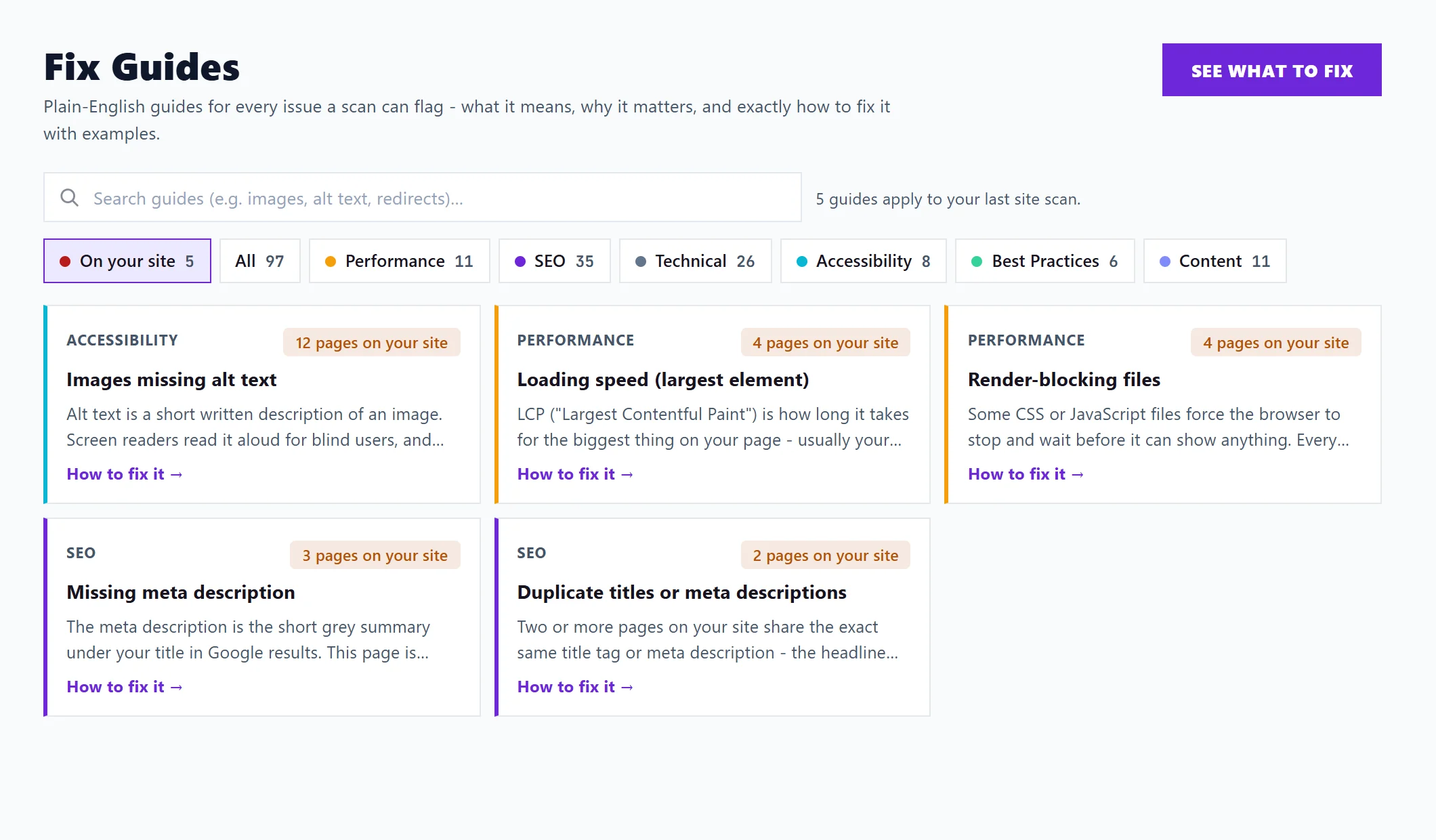
Find a guide
- On your site: the guides your last site scan points to, with N pages on your site on each. This is where you start if you have scanned. Without a scan, the page says to run one to see which guides apply.
- All, or a category: Performance, Technical, Accessibility, Best Practices or Content. Each shows how many guides it holds.
- Search guides: type a word, such as "images", "alt text" or "redirects". The category counts follow your search. Clear search shows everything again.
If nothing matches, Show all guides resets the search and category.
Read a guide
Click a guide, or How to fix it, to open it:
- What it means and Why it matters.
- How to fix it, step by step.
- Example, with Before and After.
- How to check it, so you know the fix worked.
- Or let an AI assistant do it: Copy a prompt for your AI assistant copies a ready-written request to paste into ChatGPT, Claude or Gemini, or to send to your developer.
- Further reading, where a trusted source explains more.
These are the same guides that open from Fix guide on each finding in SEO Results. See open an issue.
See what to fix, at the top, opens SEO Results with your findings in fix-first order. See what to fix first.
Questions people ask
Do I need a scan to use the guides?
No. Every guide is open to read at any time, on every plan. A scan only adds which ones apply to your site.
The guide is general. How do I get a fix for my own page?
Open the finding on SEO Results: Where it is lists your pages, and on Entrepreneur and Enterprise Fix with AI writes the fix for the page. See fix with AI.