How does Fix with AI work?
On this page
Fix with AI reads the live page an issue is on and writes the actual fix for that page, such as a new title, a meta description, alt text for an image or a block of structured data, ready to copy and paste. Open an issue on SEO Results, choose the Fix with AI tab and press Fix with AI. It is on the Entrepreneur and Enterprise plans, and each fix uses 1 AI use on Entrepreneur.
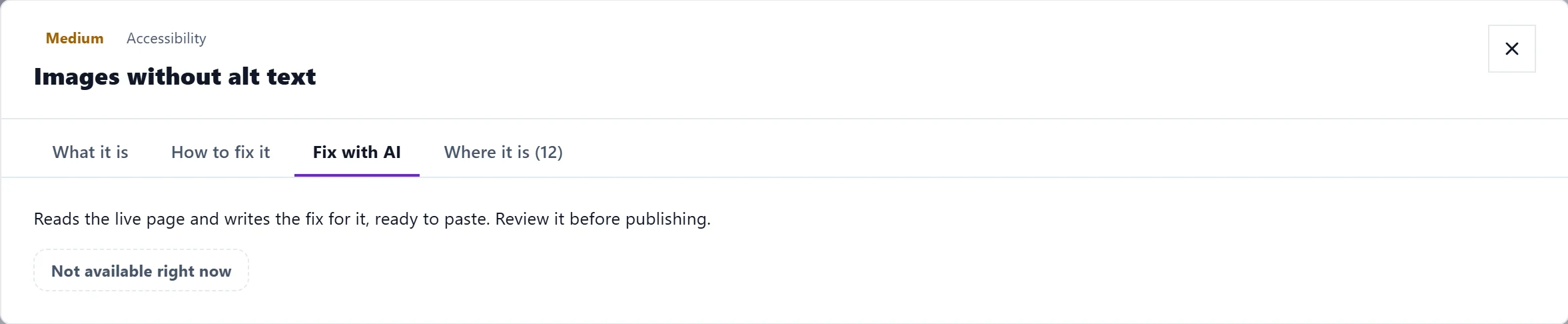
Write a fix
- On Audit, SEO Results, click the issue's title.
- Open the Fix with AI tab. It explains: reads the live page and writes the fix for it, ready to paste.
- Press Fix with AI. While it works it says Reading the page and writing a fix specific to it….
- Read the fix. Copy puts it on your clipboard. Hide fix and Show fix fold it away and back.
Every fix is marked AI-generated - review before publishing. Check that it is right for your business before it goes on your site.
The fix is written for the first page the issue is on. For an issue on many pages, the Where it is tab lists the others, and the fix shows the pattern to follow.
Send it to the review queue
Under the fix, Add to review queue sends it to the review queue on Track, Opportunities, where you approve or reject proposed changes.
- If your website is connected for publishing (WordPress, Shopify, Webflow or Wix), approve it there, then press Apply approved changes to write it to the page for you. Nothing is applied without both steps.
- If not, it waits in the queue and the message says to connect your website. See publish to your website.
- Some fixes cannot be applied safely by us, such as changes to your site's code. The app says so, and you paste those in yourself.
Plans and AI uses
| Plan | Fix with AI |
|---|---|
| Minimum | Not included. Use the fix guide, or Copy a prompt for your AI assistant in the guide, which is free |
| Entrepreneur | 1 AI use a fix, from your 100 a month |
| Enterprise | Included, within fair use |
A fix that fails does not use an AI use. See AI uses explained.
Where else you can use it
Fix with AI also appears beside findings in the AI readiness checks on AI Visibility, for what stops AI assistants reading a page. See can AI answers use your site.
Questions people ask
It says "Could not generate a fix". What now?
The page may not have loaded for us, or the AI service was busy. Try again in a moment. See an AI feature is not working.
Does Fix with AI change my site by itself?
No. It only writes the fix. Nothing changes on your site unless you paste it in, or approve it in the review queue with your website connected.
Why is there no Fix with AI tab on some issues?
Notes about the scan itself, and issues whose guide explains there is nothing to paste, do not have one.