How does Changes to review work?
On this page
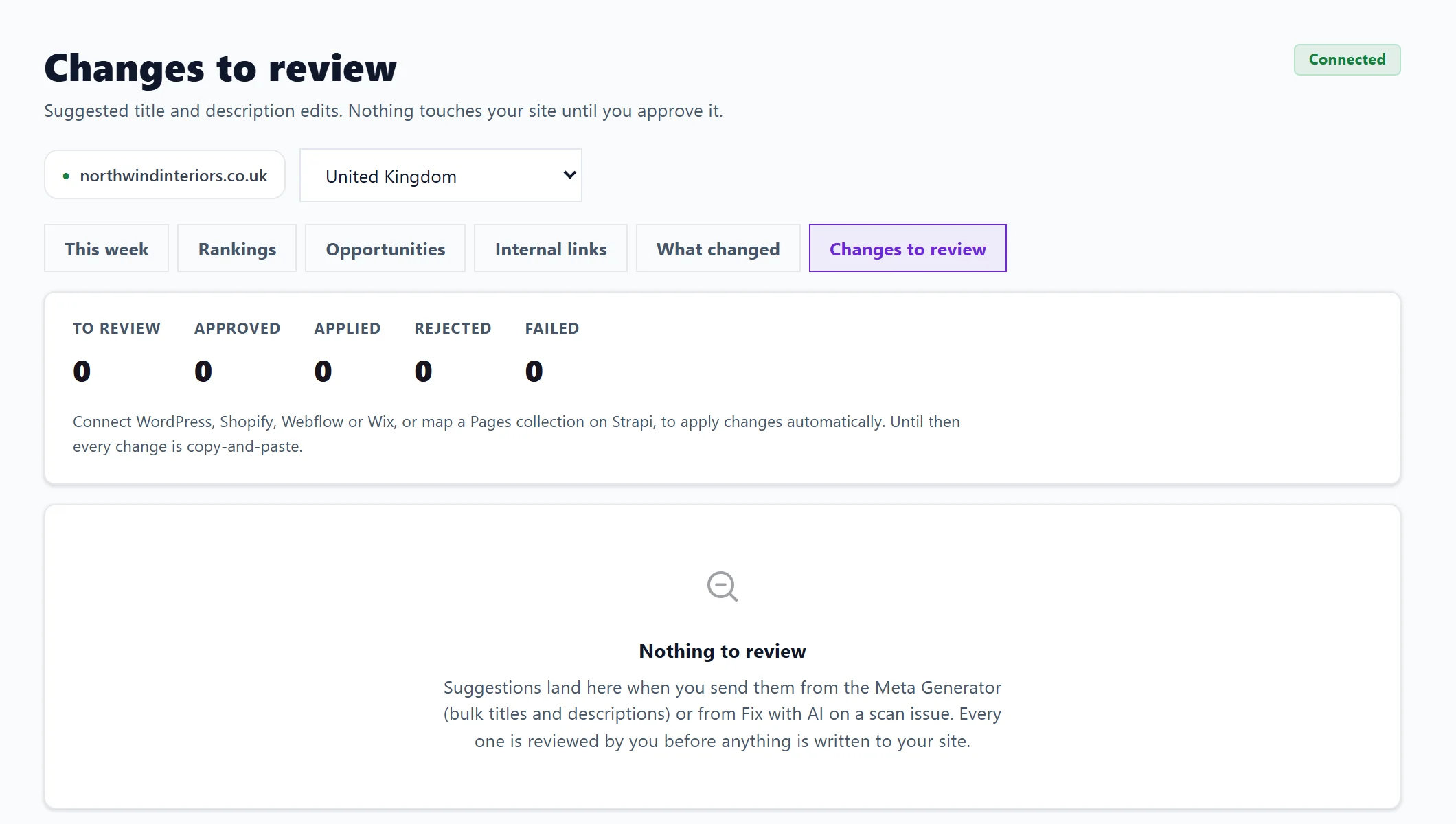
Changes to review is where suggested title and description edits wait for your yes or no before anything touches your website. Open Track and press Changes to review. Approve or reject each suggestion, then press Apply approved changes and confirm. Changes go straight to your site where your connected website supports it; the rest are marked Copy and paste for you to make yourself.
Where suggestions come from
- Send to review queue in the Meta Generator's Bulk Rewrite. See Listing Optimiser and Bulk Rewrite.
- Fix with AI on a scan issue.
It works without Search Console. If nothing is waiting, it says Nothing to review.
Review and apply
- Open Track, then Changes to review.
- Under To review, each row shows the page, what kind of fix it is (for example Title length, Missing description or Duplicate title), what is there now and the new wording.
- Tick rows, or press Select all, then press Approve or Reject.
- When some are approved, Ready to apply says how many will be written to your site, and how many are copy-and-paste and will not be touched.
- Press Apply approved changes, then Yes, apply to confirm. Nothing is applied by a single click.
Each row is labelled Applies automatically or Copy and paste, so you always know which changes we make and which you make.
After applying
Last batch says how many were applied and how many failed, and why in plain words, for example the site refused our login, or the account we connect with is not allowed to make the change. Press Retry, or reconnect in Project settings, Connections and apply again. Decided rows move to Already decided with their status: Approved, Applied, Rejected or Failed.
To let changes apply automatically, connect your website first: see publish to your website.
Questions people ask
Can a change go live by accident?
No. Every change needs your approval and then a second, separate press to apply it.
Who can apply changes?
The account owner and team members who can edit. View-only and billing members cannot write to a live site.
Why are some changes copy and paste?
Your website is not connected, or its connection cannot edit ordinary page titles and descriptions. Copy the new wording into your website's page settings yourself.