What do the fixes and setup cards on the Dashboard mean?
On this page
These Dashboard cards keep the next job in front of you: which Google connections are on, shortcuts to common tasks, what changed recently, the fixes worth doing first, what we already know about your site, what you have achieved, the next topic to write about, and how your score compares with similar sites.
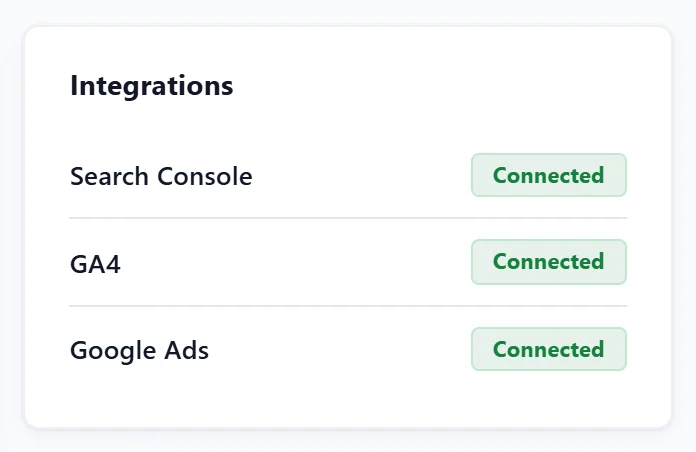
Integrations
Search Console, GA4 and Google Ads, each marked Connected or with Connect to open the page where you connect it. See connect Search Console.
Quick actions
Shortcuts: Run a single-page scan, Audit the whole site, See keyword rankings, Generate meta tags and Check AI brand visibility.
Recent activity
The latest scans, audits, fixes, ranking moves and notes from the last 30 days. A fix shows Did it help? See what changed, which opens the searches that moved since. View all opens the Activity log (see the Activity log).
Priority fixes
Three fixes from your latest scan that matter most for the least effort, each with its severity, a Quick win label where it applies, and the fix in one line. See all opens SEO Results.
Biggest win available
Shown when your health score is under 80. It says your score and points you to the top issue, with Open SEO Results.
Your data sources
What UtilitySEO knows about your site and what it still needs from you, in groups:
- Needs you: connections only you can make, such as Search Console or your website platform for publishing, each with Connect.
- Connected: live data already coming in.
- Reading already: public things we read without asking, such as your sitemap.
- Not possible: where a platform gives no way in, said plainly.
- Not on the site yet: missing pieces that are opportunities, each with why it matters.
Re-read the site now checks your site again.
Your results so far
Appears once there is something to celebrate: issues fixed, scans run, and how far your health score has risen.
Next cluster to plan
The best group of searches to write about next, from your topic and competitor scans in Topic gaps: how many searches it covers, roughly how many people search for them a month, and whether you rank for any yet. Open the scan takes you there. Without a scan it offers Scan a topic. Topic gaps is on every paid plan. See topic gaps.
Industry benchmark
How your health score compares with other UtilitySEO sites in your sector: the middle score, the spread and the top 10%. It appears only when at least 10 sites can be compared, and never shows anyone else's site. When you are behind it suggests fixing your top 3 issues.
Questions people ask
I connected Search Console but Integrations still says Connect. Why?
The connection is per project. Check that you are in the right project and that the project has a Search Console property chosen. See reconnect Google.
Where is the first-week checklist?
Under the four top cards, until every step is done or you dismiss it. See your first week.