What should I fix first after a site scan?
On this page
Start at the top of Costing you traffic now on your scan results, then work down Worth doing next, and leave Tidy-ups until last. We sort every finding by what it costs your business: first anything that stops a page counting in Google, then what costs you enquiries or measurement, then ranking, clicks and AI answers, then speed and housekeeping.
The three groups
On Audit, SEO Results, every finding sits in one of three groups:
- Costing you traffic now. Pages Google cannot count, or search traffic already being lost: a noindex tag, an error page, a canonical tag pointing at a broken or blocked page, robots.txt blocking the site. Nothing else matters for a page Google will not show.
- Worth doing next. What weakens rankings, clicks, measurement and AI answers, in that order of cost: analytics missing or installed twice, links to a test address, placeholder text; copied pages, redirects and broken internal links; titles and descriptions; what stops AI assistants reading or quoting you.
- Tidy-ups. Speed tie-breakers, https and mobile details, housekeeping, and notes about the scan itself.
Within each group, the more serious finding comes first, then the one with more Search Console clicks riding on it, then the one on more pages. With Search Console connected, each row also shows the clicks its pages had in the last 28 days.
Where else you see it
- Priority fixes on the Dashboard: three high-impact, low-effort fixes from your latest scan.
- Biggest win available on the Dashboard, when your score is under 80.
- The Site scan card on the Dashboard, which lists the top findings in the same order.
Fix it and prove it
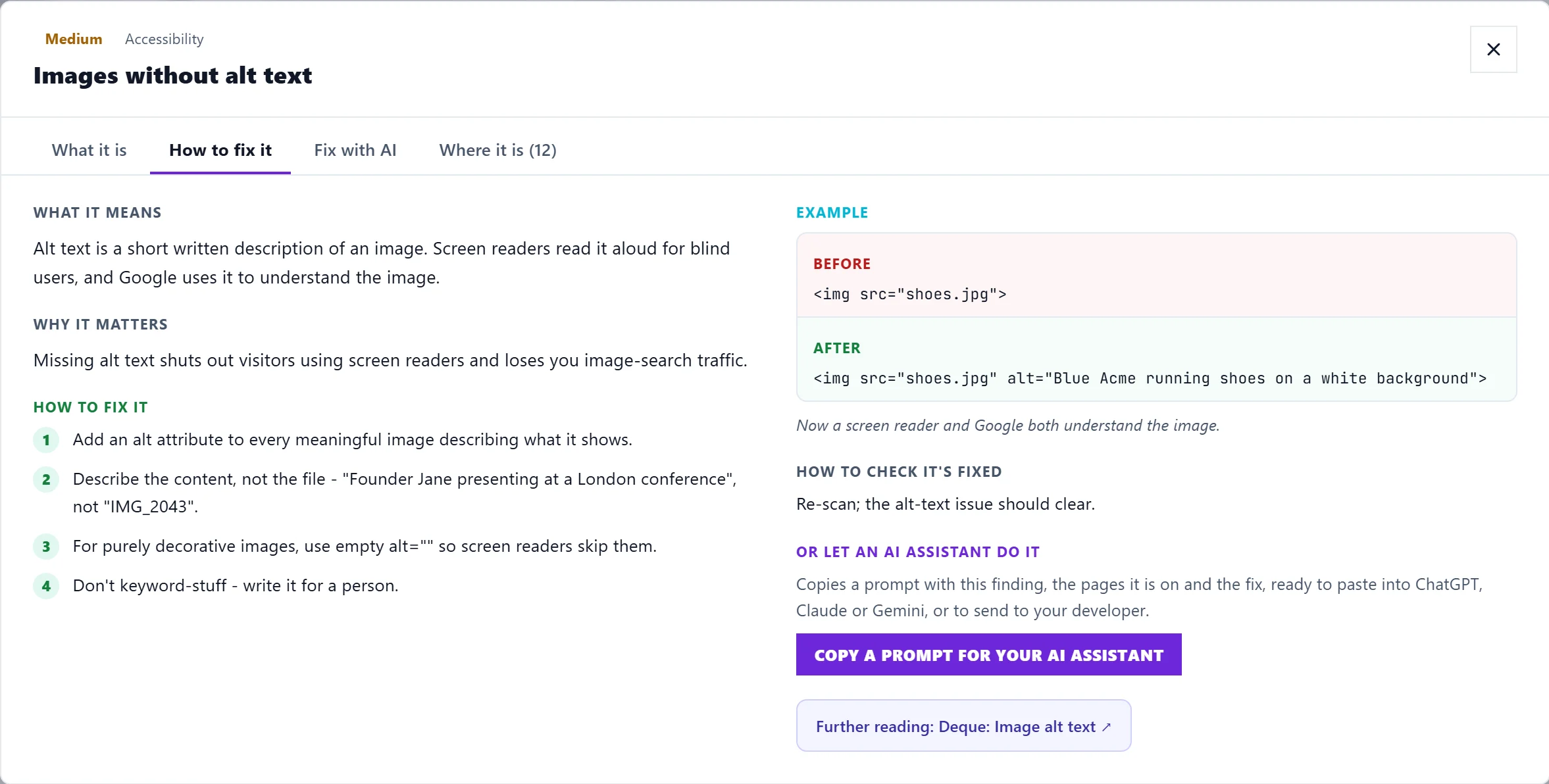
- Click the finding's title. It opens with what it is, how to fix it and the pages it is on. See open an issue.

- Fix guide opens the step-by-step guide. On Entrepreneur and Enterprise, Fix with AI writes a ready-to-paste fix for that page. See fix with AI.
- Make the change on your website.
- Tick the finding fixed, or tick off each page as you go. To have us check the live page, Track Issue and use Re-check this page on your Progress list. See mark issues fixed and re-check them.
Some findings, like copied titles across pages, cannot be judged from one page. For those, run a new scan.
Questions people ask
My speed score is poor, so why is speed in Tidy-ups?
Speed moves up to Worth doing next only when real visitors' measurements from Google fail the speed thresholds on a page with 100 or more impressions in 28 days, at positions 2 to 10, where faster could change the result. Without Search Console connected, speed stays in Tidy-ups. A slow page with little search traffic is rarely your biggest win.
A finding lists 50 pages, but says more are affected. Where are the rest?
A finding names up to 50 pages and gives the full count. The raw export lists what was stored. See export scan results.
It says the analytics tag is missing, but I have one. Why?
Your tag may load only after cookie consent, or through a tool we do not recognise. The finding says when that may be the case. If your Analytics numbers look right, you can leave it.