What can I do from a keyword's menu?
On this page
Each row in the Keywords table has a ... menu with four choices: Act on it (add the search to your blog plan, write the post, turn its questions into FAQs or add a to-do), Content ideas (what searchers want and angles to cover), Keyword details (the full window) and Ignore (leave it out of the table).
Act on it
Act on it opens a strip under the row with:
- Add to blog plan: adds a post for this search to your blog plan. If you have no plan yet, one is started for you.
- Write the post: opens the post straight away in the Writer. On Entrepreneur and Enterprise; a full draft uses one Growth blog. See growth blogs and AI uses.
- Turn the questions into FAQs: when there are questions people ask about the search, writes an FAQ section ready to paste, with Copy text and Copy schema for developers (the code that marks it up as FAQs for Google). On Entrepreneur and Enterprise; uses one AI use.
- Add to my to-do list: adds "Improve" this search to your to-do list, with its position.
Press Hide actions to close the strip.
Content ideas
Opens Content opportunities + questions searchers ask for the search: the likely search intent (informational, commercial, transactional or navigational), its difficulty, your position, questions searchers also ask, and content angles to add. It is on Entrepreneur and Enterprise and uses one AI use. A result from the last hour is shown again for free.
Keyword details
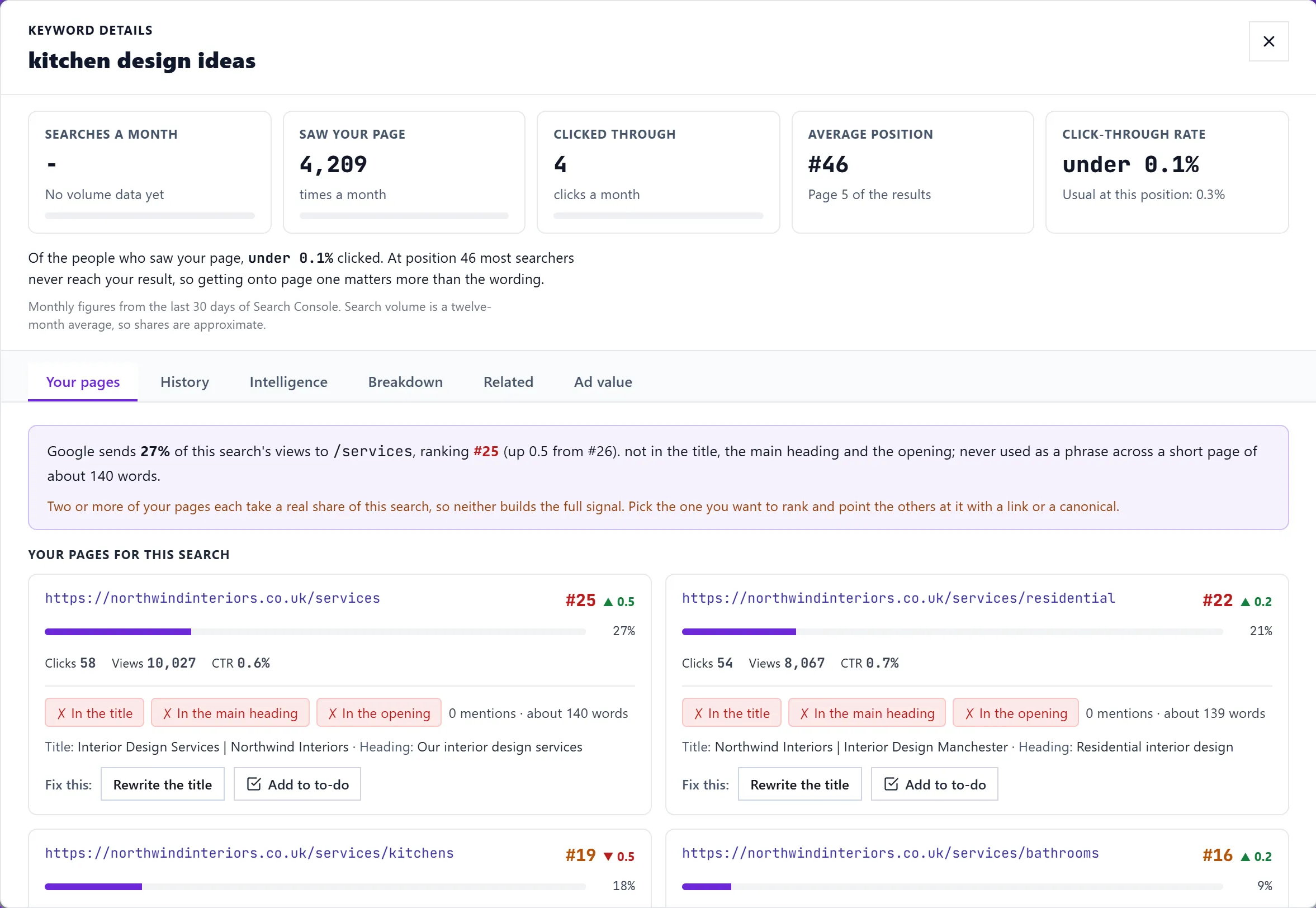
Opens the details window with its six tabs. See the keyword details window. Clicking the row does the same.
Ignore
Takes the search out of the table, the summary cards, the filters, the group counts and exports at once. Use it for searches that are not about your business. Bring one back from Ignored (N) above the table with Stop ignoring, or Stop ignoring all. Ignoring is saved for the project, so it stays ignored next time.
On a phone
Tap a keyword to open its details; the Ignore choice is on each row of the phone list too.
Questions people ask
The Write the post button has a lock. Why?
Writing posts and FAQs is AI work, which starts on the Entrepreneur plan. Add to blog plan and Add to my to-do list work on every plan.
Does ignoring a keyword stop tracking it?
Ignoring hides it from this table. To stop tracking, click its star. See track keywords.