How do blog autopilot and post images work?
On this page
Autopilot writes each planned post on its scheduled day and sends it to your connected website, with nobody clicking anything. Open Content, Blog Plan, then Autopilot and images at the bottom of the page. Choose Draft to CMS to have posts arrive as drafts you publish yourself, or Publish live to publish them straight away. Off stops it. Each post it writes uses 1 Growth blog.
Before you start
- Connect your website (WordPress, Webflow, Shopify, Wix, Strapi or your own API). See publish to your website. Until one is connected, the card says so.
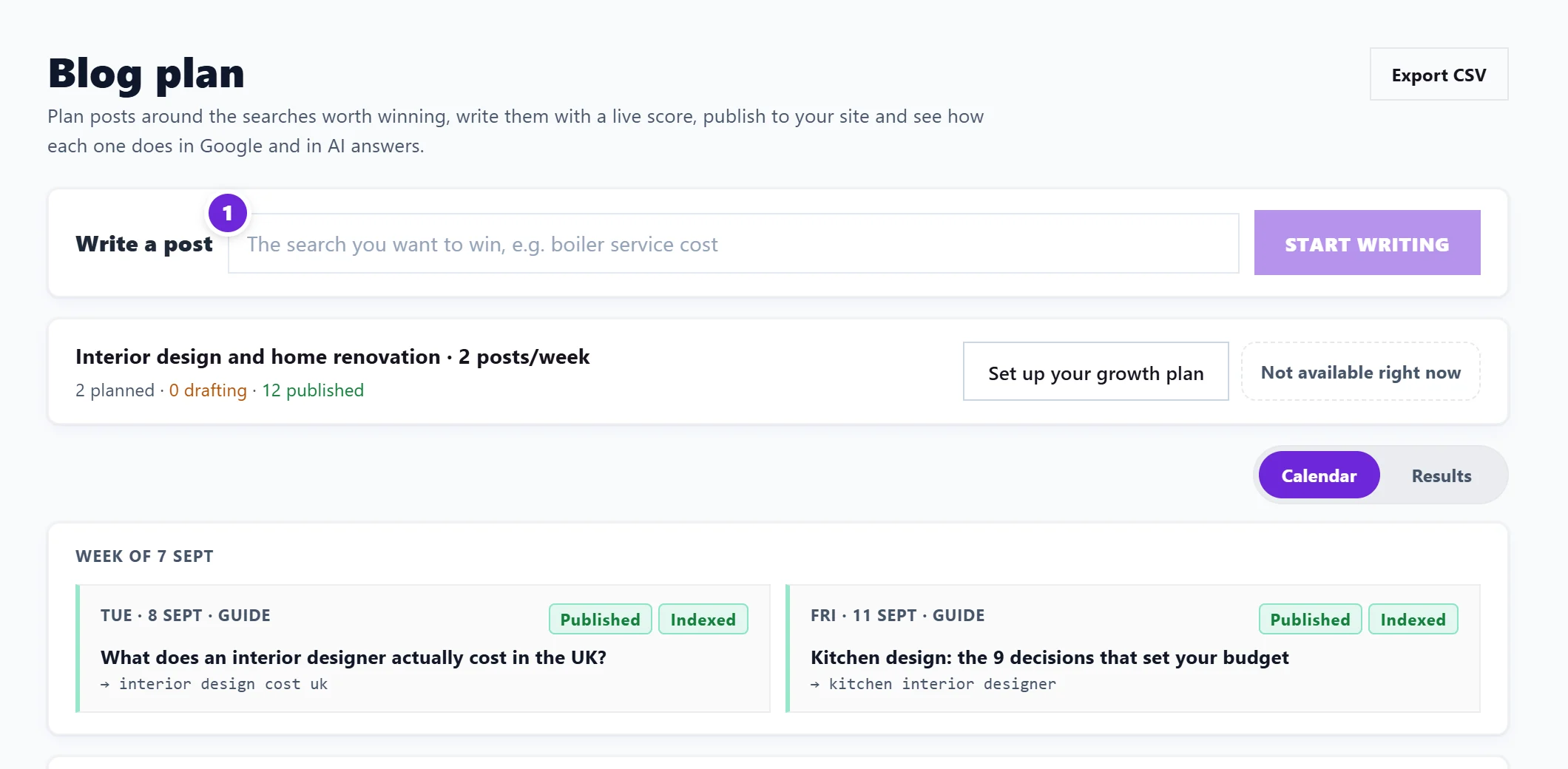
- Have posts on your calendar: autopilot only writes posts you planned, on their dates. See set up a growth plan.
- Autopilot needs Growth blogs, so it is on Entrepreneur and Enterprise.
Switch it on
- Open Autopilot and images.
- If you have more than one website connected, pick it under Which CMS?.
- Press Draft to CMS or Publish live. The card then shows ON with staging drafts or publishing live.
On each post's scheduled day it writes the article in your voice, then pushes it to your website. It writes one post a day at most, so a calendar that fell behind catches up a day at a time.
If a run fails, the card says Last run failed with the reason, for example a website connection that needs reconnecting.
Images in posts
Under Images in posts, choose how written posts handle images:
- Text only: no images. Fully hands off.
- I add images: every post arrives in your website as a draft, even on Publish live, so you can add images before it goes out.
- Use my library: we insert two images from your library into each post, rotating so consecutive posts look different.
Image library holds the pictures for Use my library. Press + Add images to upload; they are resized for the web. Give each one Alt text (what the image shows). Deleting an image removes it from posts already published with it.
Questions people ask
Can I stop autopilot after a post has gone out?
Press Off to stop future posts. A post already sent can be taken down from its Publish step with Take it off the live site or Remove from your website.
Does autopilot use Growth blogs when it fails?
No. A Growth blog is only kept when the post was written.
What happens when my Growth blogs run out?
Autopilot cannot write more posts until they reset on the 1st. See Growth blogs and AI uses.