How does UtilitySEO keep my account secure?
On this page
Your account is protected by a password plus a 6-digit code we email you, and every session ends when your password changes. The access Google gives us, and the keys for your website platform and Bing, are encrypted before they are stored and never shown again, even to you. Keys you create for the API or your own AI are shown once and can be revoked at any time.
Signing in
- A code by email. Signing in with a password asks for a 6-digit code the first time and again once your last code is more than 30 days old. See sign-in codes and Remember me.
- Sign in with Google relies on Google's own checks instead. See Sign in with Google.
- Too many wrong tries pause sign-in briefly, and five wrong codes cancel that code.
- Password resets are an emailed link that works once and lasts 30 minutes. We never email a password.
Ending sessions
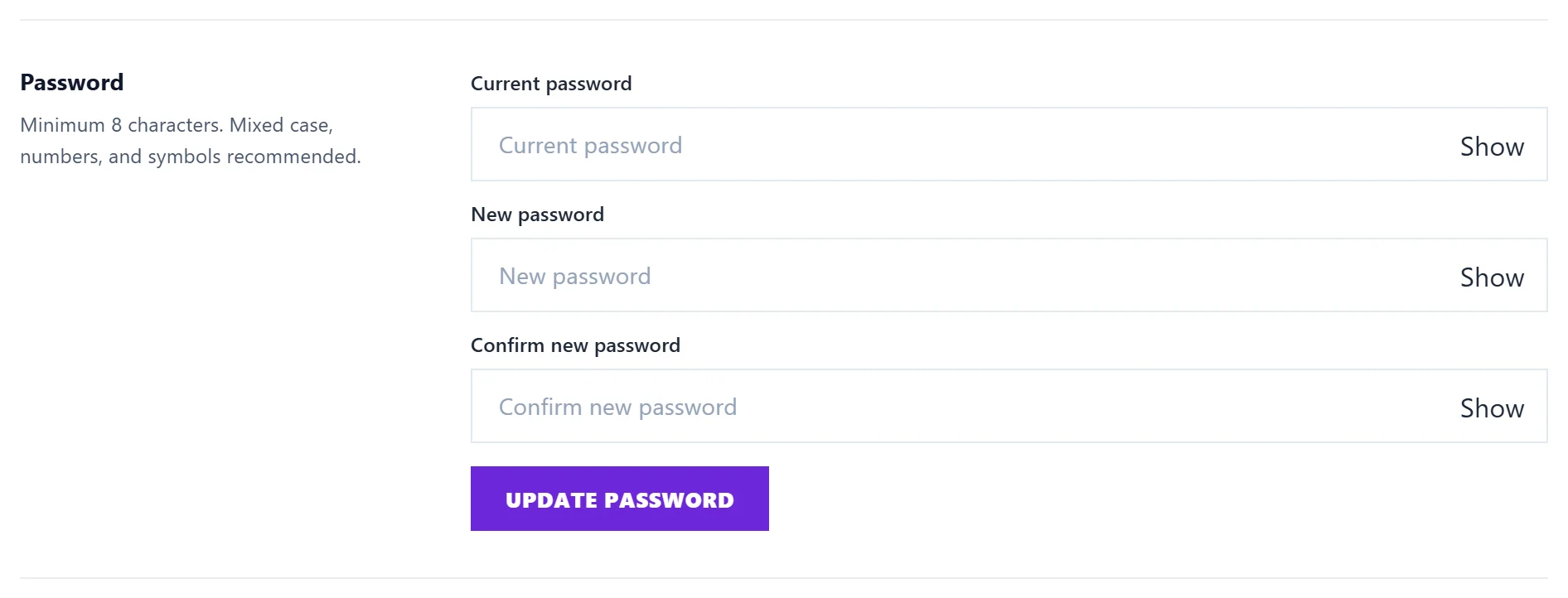
- Changing or resetting your password signs you out on every other device.
- Sign out ends the session on that browser.
- Closing your account ends every session at once.
Your email address
Changing it needs a code sent to the new address, so a typo cannot lock you out. The old address gets an email with a button to put it back, which works for two weeks. See change email or password.
What is stored encrypted
- The access Google gives us for Search Console, Google Analytics and Google Ads.
- The passwords, tokens and keys for your website platform (WordPress, Shopify, Wix, Webflow, Strapi or your own API).
- Your Bing Webmaster key.
None of these are ever shown back in the app, not even partly, and they are left out of your data download.
Keys you create
| Key | Where | What it can do |
|---|---|---|
| Connector key | Settings, Account, Connect your own AI | Lets your own Claude or ChatGPT read your account. Cannot start scans, delete anything or change your plan |
| API key | Project settings, API keys | Lets your software start scans of one project and read the results. No Google data, no account details |
Both are shown once, when you create them. Copy them straight away; we keep only a scrambled copy and cannot show the key again. Each list shows when a key was last used. Press Revoke and anything using the key stops at once.
Team access
Only the owner manages the team, and View Only and Billing members cannot change anything on your website. See team roles explained.
Everything written to your website is logged
Every publish, unpublish, title change and connection change goes into Publishing activity in Project settings, with who did it and when. See which site will my posts publish to.
Questions people ask
I think someone else has my password. What should I do?
Change it in Settings, Account. That signs out everyone else straight away. Then check Settings, Account for connector keys you do not recognise and revoke them.
Does UtilitySEO staff see my data?
No one reads your Google data in normal running. Support can view an account as you only through a logged action, for support, security or legal reasons. See how we use your Google data.