What can each team role do in UtilitySEO?
On this page
A workspace has four roles. The Owner controls everything, including the team, billing and deleting projects. Full Access members can work on projects: publish, apply changes to your website and create API keys. View Only members can read everything in the projects they are given but change nothing. Billing members see every project and, like View Only, cannot change anything in them.
The roles side by side
| What | Owner | Full Access | View Only | Billing |
|---|---|---|---|---|
| See projects and reports | All | All, or the ones chosen | The ones chosen | All |
| Publish posts to your website, apply title and description changes | Yes | Yes | No | No |
| Connect a website platform for one project | Yes | Yes | No | No |
| Connect a website platform for every project in the workspace | Yes | No | No | No |
| Create or revoke API keys | Yes | Yes | No | No |
| Edit Etsy listings, share client report links, add report recipients | Yes | Yes | No | No |
| Rename or delete a project | Yes | No | No | No |
| Invite, edit or remove team members | Yes | No | No | No |
When a View Only or Billing member tries something they are not allowed to do, the app says their access to the project is view-only, and nothing is changed.
Which projects someone sees
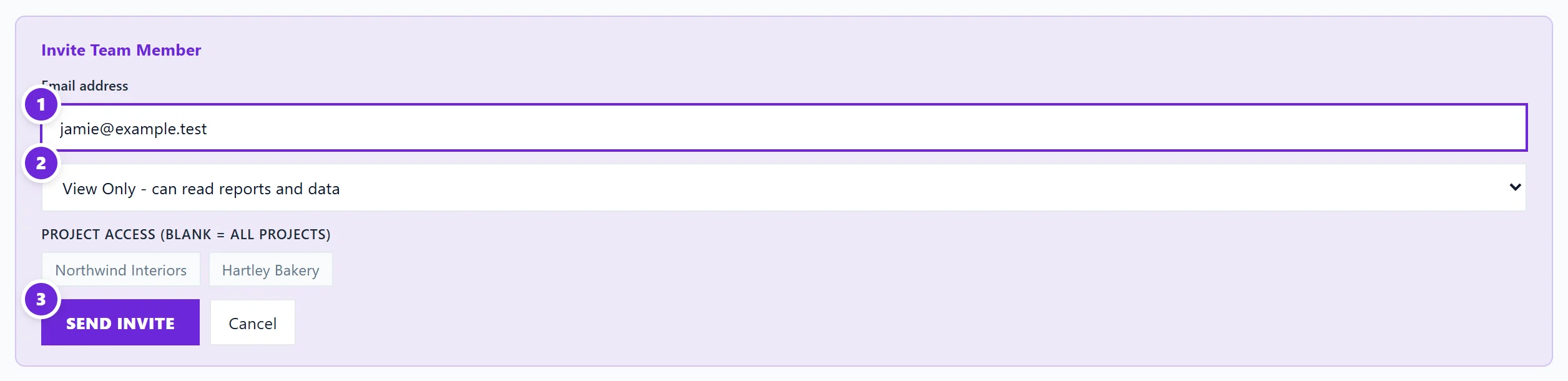
When you invite someone you choose their projects under Project Access (blank = all projects). Leave it blank and they see every project, including ones you add later. Pick some and they only see those. A Billing member always sees every project.
You can change this at any time: on the Team tab press Edit on their row, change the role or projects, and press Save. See invite your team.
Things every person controls for themselves
Roles cover the shared workspace. Each person still has their own:
- sign-in details, password and email address;
- emails and alerts, chosen in Settings, then Notifications;
- language for the app;
- connector keys for their own Claude or ChatGPT.
Nobody, not even the owner, can change another person's password or emails.
Questions people ask
Which role should I give a client?
View Only, limited to their project. They can read their numbers without being able to change anything on their website.
Which role should I give a freelancer who writes our blog?
Full Access, limited to the projects they work on, so they can publish posts and apply changes.
Can there be more than one owner?
No. Each workspace has one owner: the person who created it and whose plan it uses.
Does a team member need their own plan?
No. Members work inside your workspace on your plan, so they get the features your plan includes. See plans and prices.