What does Keyword Explorer on the Forecast page do?
On this page
Keyword Explorer, a tab on Growth, Forecast, takes a topic or one of your page addresses and lists the searches around it: the ones you already rank for, from your Search Console data, and gaps you do not show for yet, suggested by AI. Press Forecast on any search to see what reaching a target rank could bring. Each exploration uses 1 AI use and is on Entrepreneur and Enterprise.
Explore a topic
- Open Growth, then Forecast, and press Keyword Explorer.
- Check the GSC Property is your website.
- Under Topic or URL, type a topic such as "boiler servicing", or paste the full address of one of your pages.
- Press Explore.
It needs Search Console connected.
What you get
The summary: Total keywords, Already ranking, Gap opportunities, Avg position and Your impressions a month. If you entered a page address, the page's own clicks and impressions are shown too.
Each search shows:
- Ranking (real Search Console data, with your position and clicks) or Gap (an AI suggestion not yet in your Search Console);
- a monthly figure: your Impressions for searches you rank for, or an AI estimate of volume for gaps;
- difficulty (low, medium or high) and intent: informational (looking to learn), commercial (comparing options), transactional (ready to buy) or navigational (looking for a particular site).
Filter by All, Ranking or Gaps, by difficulty and by intent, and sort by Volume, Position or Difficulty.
Forecast a search
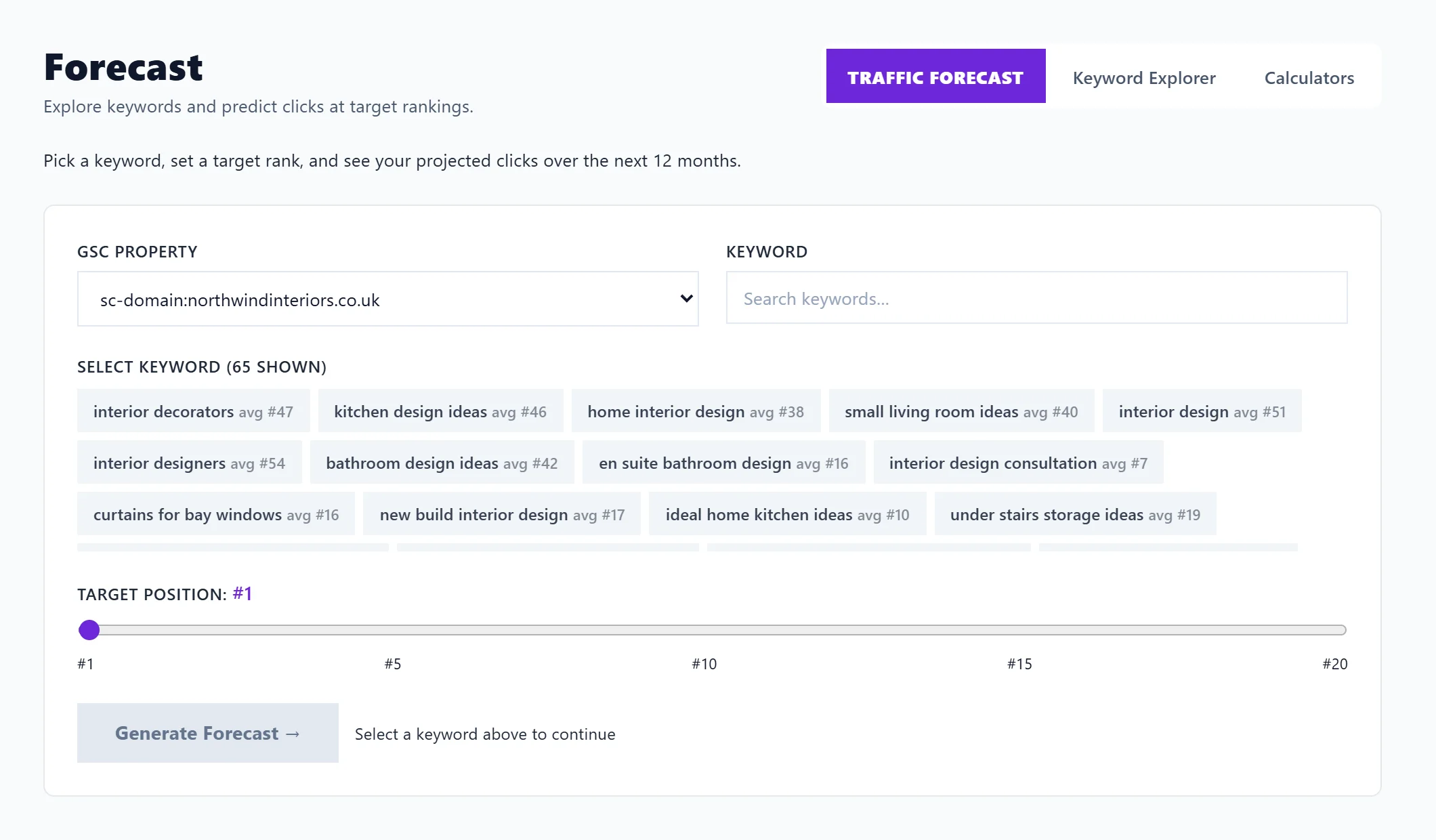
Press Forecast on a search to open Traffic Forecast with it filled in, then set a target position. See the traffic Forecast.
How far to trust the numbers
Ranking rows are your own Search Console figures. Gap rows, and their volume and difficulty, are estimates written by AI: use them as ideas to check, not measurements. For measured search volume, see search volume; for clusters of searches with Keyword Planner volume and no AI, see topic gaps.
Questions people ask
Why is the Explore button locked?
Keyword Explorer uses AI, which starts on Entrepreneur. On Entrepreneur it also locks when this month's AI uses are spent.
What can I do with a gap?
Write about it. Open the Blog Plan and start a post with Write a post, or add it from Topic gaps with Add to blog plan.