How does Compare sites in Topic gaps work?
On this page
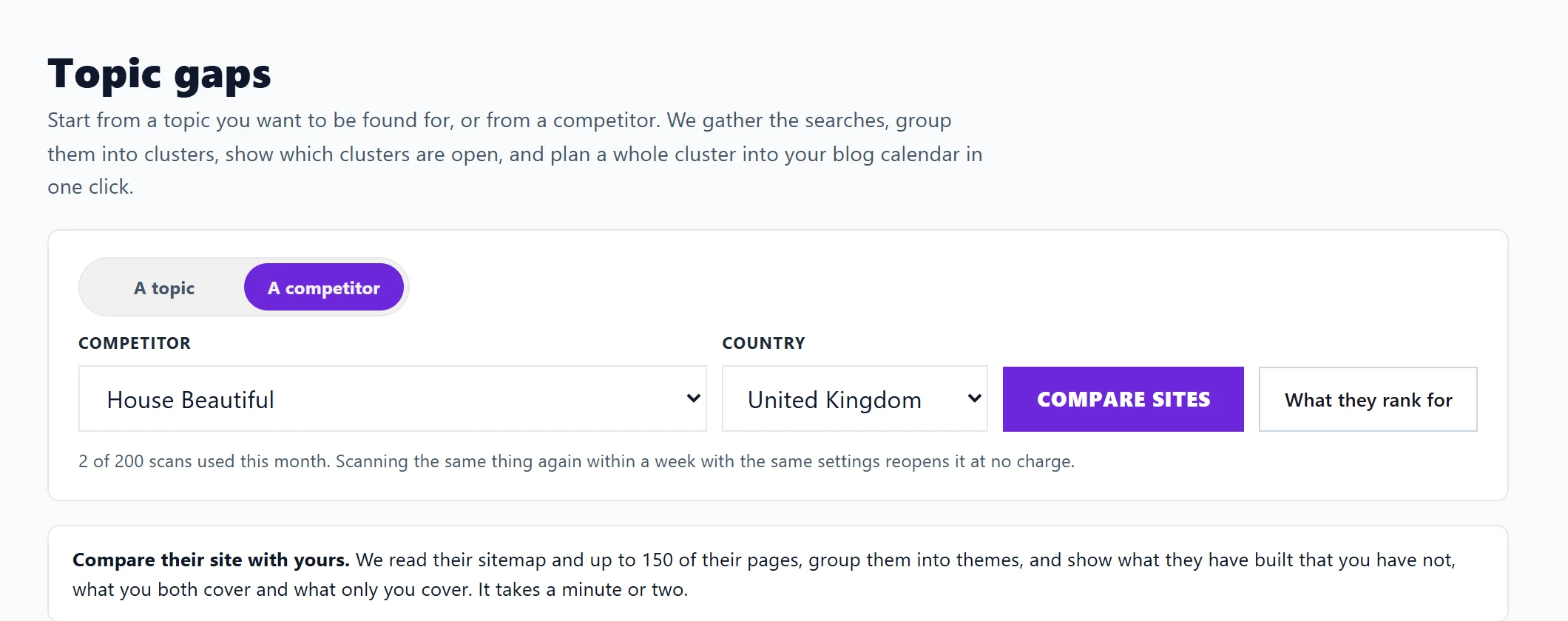
Compare sites reads a competitor's website, groups their pages into themes and sets them against yours, so you can see what they have built that you have not. Open Track, then Topic gaps, set Start from to A competitor, pick one and press Compare sites. The results come in three tabs: Gaps, Both and Only you.
Run a comparison
- Add the competitor first on Track, Competitor scores. See add or remove competitors.
- Run a site scan of your own site, so we have your pages to compare. See run a site scan.
- Open Topic gaps, choose A competitor, pick them and the country, and press Compare sites.
A progress bar shows each stage: Reading their sitemap, Reading their pages, Comparing their themes with yours and Gathering the searches around each gap. We read their sitemap and up to 150 of their pages, politely, a page at a time and only what their robots.txt allows. It takes a minute or two. If you leave, pick the same competitor again and it carries on.
Compare with their site on a row of Competitor scores starts the same comparison.
The summary
Four boxes count the themes: Gaps, You both cover, They have more and Only you. A note above says how many of their pages we grouped and opened, and any their robots.txt asked us to skip.
The three tabs
- Gaps: themes they have built and you have not. Each opens to Suggested titles, Searches around it (with volume and difficulty), Their pages on it and a next step. Plan this cluster adds a guide plus a post for each search to your blog plan.
- Both: themes you both cover, marked They have more, About even or You have more pages. Where they have more, you can plan the cluster too. When we have it, a line says how many Search Console searches and clicks you already get on that theme.
- Only you: themes only you cover. A theme needs two or more of your pages to count.
Location and product pages
Pages they built for each place they serve or each thing they sell are listed apart, under Location and product pages. They are pages, not topics to write a guide on. Copy location pages only for places you really serve.
What it does not show
The page says it plainly: this shows what they have built, not which of their pages win traffic. Seeing that needs ranking data, which is not switched on yet.
Questions people ask
Why is every theme a gap?
We have none of your own pages to compare with yet. Press Run a site scan, then compare again.
Does it use my topic gap scans?
Site comparisons have their own monthly count, the same size as your topic scan allowance (30 a month on Minimum and Entrepreneur, 200 on Enterprise), so they never eat into your topic scans. Reopening one from the last week does not count; it is read again after a week.
Does it use AI uses?
No. It is on every paid plan.