What does the Content audit tab find?
On this page
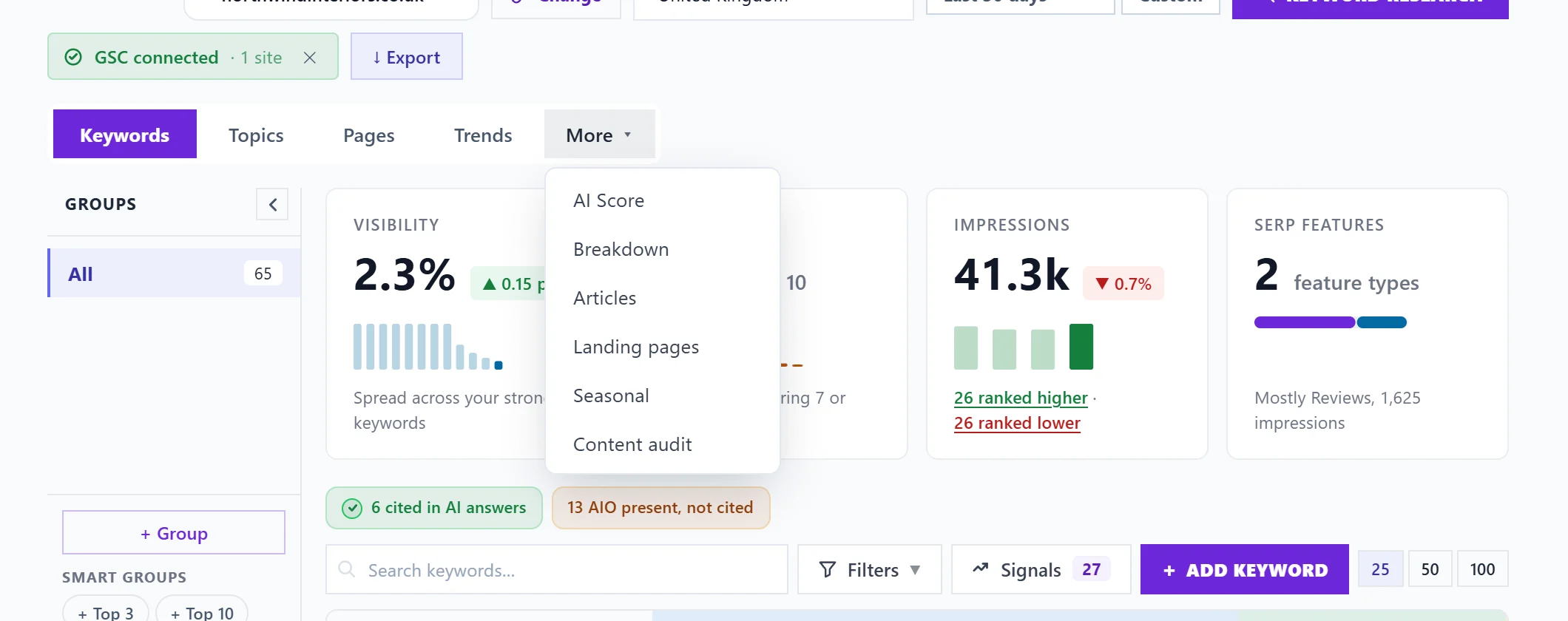
On the Keywords page, open More, then Content audit. It reads your Search Console keywords and sorts what needs attention into five groups: Cannibalisation (your pages competing for one search), Quick wins, CTR issues (seen a lot, clicked little), Volatility (big position swings) and Content dilution (pages spread over too many searches). Each comes with what to do.
Click a card at the top to open its list. Each card shows how many it found.
Cannibalisation
Searches where more than one of your pages competes, so Google splits the credit and neither page builds a full signal. Each shows the pages and their impressions. Plan the merge adds the steps to your to-do list: pick the page that should rank (usually the one with the most clicks), move anything useful from the others onto it, then redirect them to it (a 301 redirect) or link each of them to it with words close to the search.
Quick wins
Keywords in positions 5 to 15 with solid impressions. A push with better content and internal links (links from your other pages) can move these into the top three, where most clicks go. Each shows its position, impressions and opportunity score.
CTR issues
Keywords seen often but clicked much less than your site's average click rate, which is shown at the top. This is usually a title or description underselling a page that already ranks. Act on it offers Rewrite the search result, which opens the Meta Generator for that page.
Volatility
Keywords whose position moved 5 places or more against the previous period, with before, now and the change. A keyword that fell offers Win it back, which adds the steps to your to-do list.
Content dilution
Pages ranking for 10 or more keywords, which may lack a clear focus. Split into a new page adds the steps: group the page's searches into two or three topics, give the biggest secondary one its own page, move that section across and link the two pages.
Acting on a row
Rows in Quick wins and CTR issues have Act on it, with the same actions as the Keywords table: add a post to your blog plan, write the post, or add a to-do. See act on a keyword.
Questions people ask
It says no cannibalisation detected. Is that good?
Yes. Each search maps to a single page of yours.
How is this different from the site scan?
The site scan reads your pages. This tab reads how Google shows them in search. Use both: see what to fix first.