What do the Articles and Landing pages tabs show?
On this page
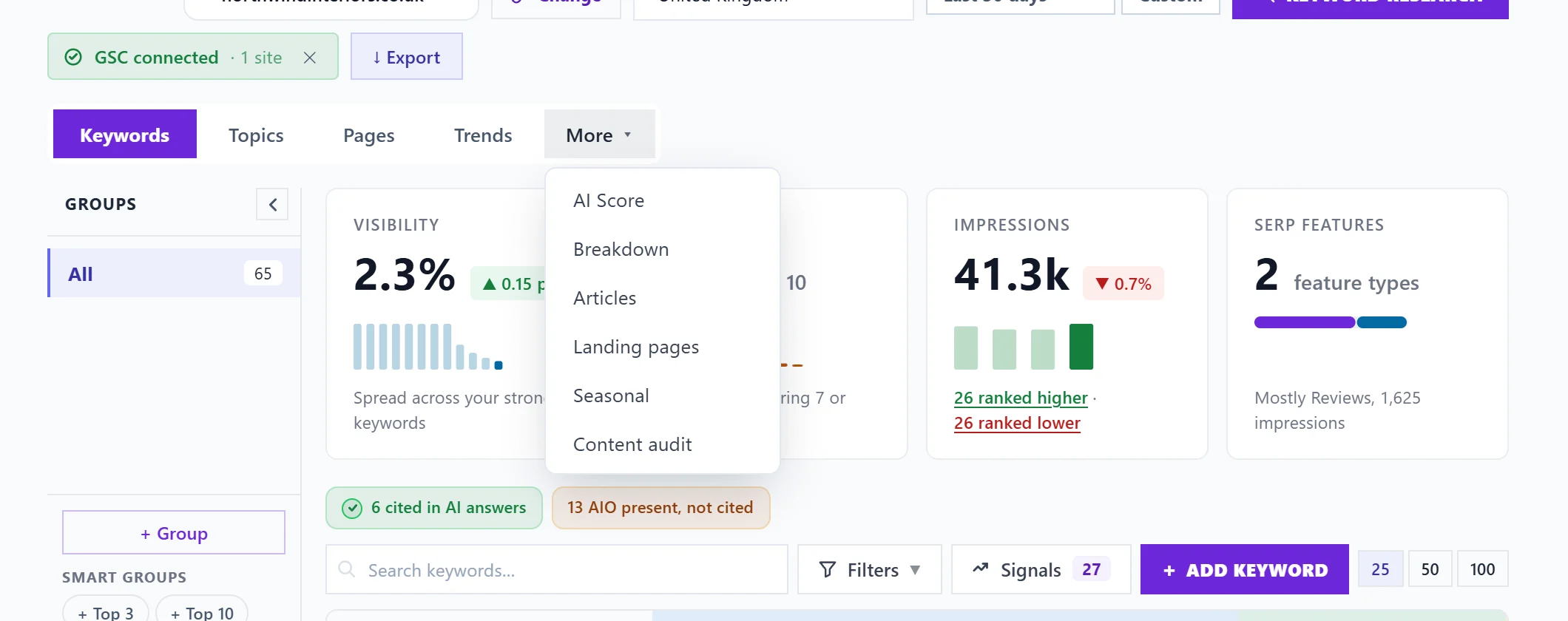
Both live under More on the Keywords page. Articles shows how your blog posts and other articles do in Google search, including whether Google's AI answers cite them. Landing pages maps every page to the searches it ranks for, so you can see which pages hold quick wins and which compete with each other.
Articles
Articles are found by their address, such as /blog/, /news/ or /article/, or a longer multi-part address. The cards at the top show how many articles, their total impressions and clicks, average position, and how many are AI cited (a source in Google's AI Overviews, from the report you import) or have an AI Overview present.
The table lists each article with its position, impressions, clicks, click rate, how many keywords it ranks for and a Cited mark. Search by address or title. Open a row to see its ranking keywords, impressions and clicks, and its visibility. Open article opens it on your site, and Refresh it adds the steps to refresh it to your to-do list, including what to do when an AI Overview appears for its searches without citing it.
Add manual article URLs adds articles that were not picked up automatically: paste the full address from your site and press Add. They are marked MANUAL, and NO GSC DATA if Search Console has nothing for them yet. Remove from list takes one out again.
The Cited mark only fills in after you import Google's AI report. See import your Google AI report.
Landing pages
The cards show Pages mapped, Keyword mappings, Average visibility, Quick win pages and Cannibal. risk (pages whose searches are shared with another of your pages).
The table lists each page with how many keywords it ranks for (Kws), impressions, clicks, average position, visibility and its Top opp (the highest opportunity score among its keywords). Badges show how many quick wins a page has and how many of its keywords are competing with another page. Filter by address with Filter by URL.
Open a row to see its keywords, sorted by opportunity, impressions, position or clicks, with visibility and an opportunity score for each. Open page opens it on your site, and Refresh it adds a to-do with the searches to cover more fully.
Questions people ask
An article of mine is missing. Why?
Its address may not look like an article, or Google showed it for nothing in the period. Add it with Add manual article URLs.
What should I fix first on Landing pages?
Pages with quick wins: searches just off the top spots with real impressions. Small improvements to those pages usually pay first. For pages competing with each other, see the Content audit tab.