How do I run a Content Audit?
On this page
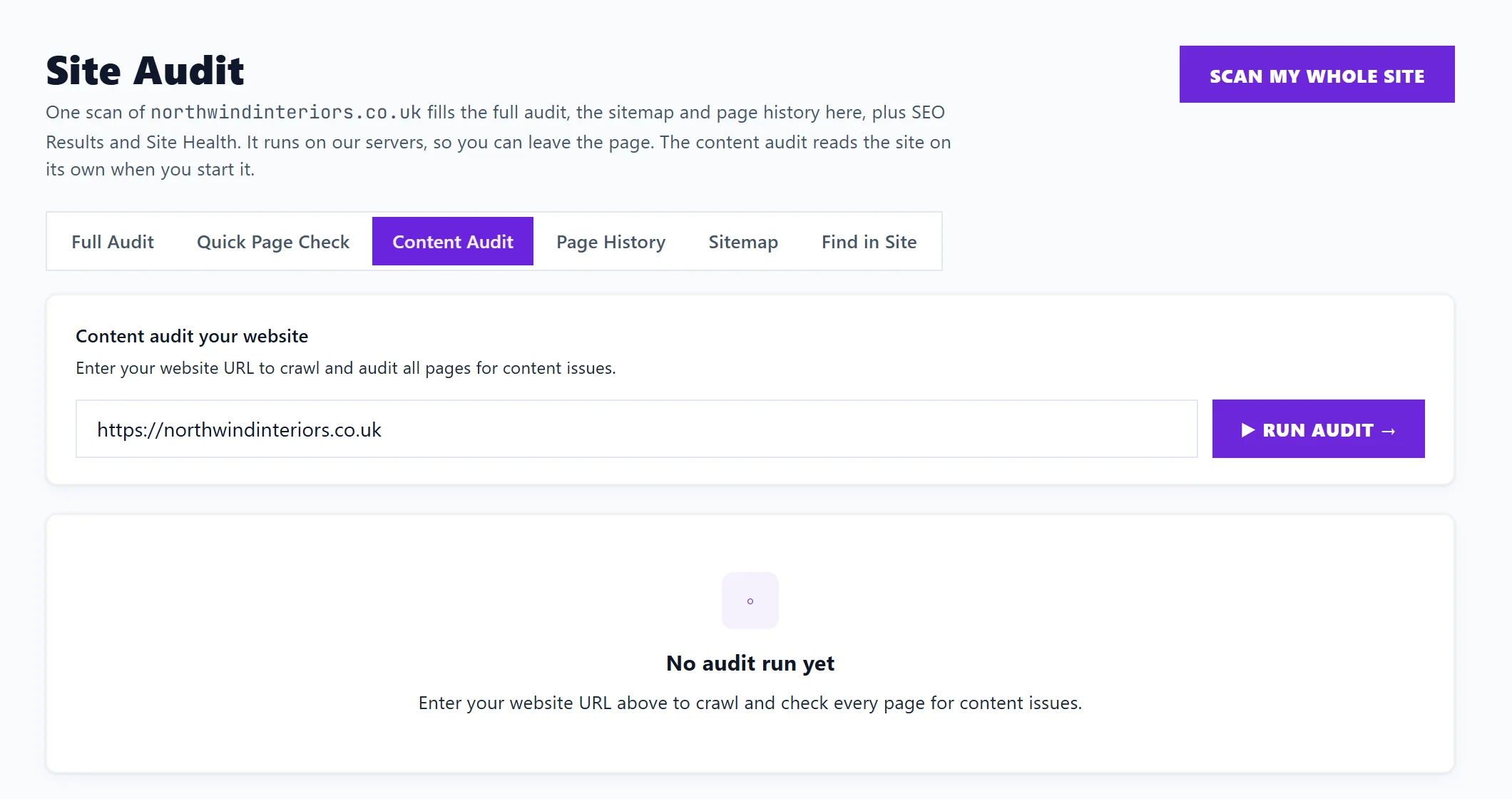
The Content Audit reads up to 300 pages of your site and checks the words on each one: titles, meta descriptions, main headings, word count, image alt text and duplicates. Open Audit, Site Audit, choose Content Audit, check the address and press Run audit. You get a Content Health summary, one card per kind of problem, and a table of every page you can filter.
Run it
- Open Audit, Site Audit, then Content Audit. Your address is filled in.
- Press Run audit. It shows how many pages it has done out of how many. Stop ends it early.
- When it finishes, the results are kept on this device, with Last saved and the date. Re-crawl runs it again after you have made changes, and Clear empties it.
The Content Audit is separate from the site scan: Scan my whole site at the top of Site Audit does not run it, so start it here.
The checks
Each kind of problem has a card with how many pages have it. Click a card to show only those pages.
| Card | What it means |
|---|---|
| Missing title | No title tag, the page name shown in Google |
| Title length | Under 15 or over 60 characters |
| Missing meta | No meta description, the short summary shown under the title in Google |
| Meta length | Over 160 characters |
| Missing H1 | No main heading on the page |
| Multiple H1s | More than one main heading |
| Thin content | Under 250 words |
| Missing alt text | Images with no alt attribute. An empty one (alt="") marks a decorative image and is fine |
| Duplicate titles | The same title on more than one page |
| Duplicate meta | The same description on more than one page |
The page table
Every page with its title, word count and issues. Filter by URL or title… finds a page. For duplicates, Collides with names the other pages sharing the same title or description. The table shows up to 200 pages at a time; use the filter or a card to narrow it.
Each page with a problem can be added to your to-do list, with the steps from the fix guide and, for a thin page, a target length. See track issues and the Progress list.
Written suggestions
On Entrepreneur and Enterprise, Generate on a page writes a new title tag and meta description, or alt text for its images, each with Copy and a character count. Each use counts as 1 AI use on Entrepreneur. On Minimum the suggestions are locked. For many pages at once, see meta descriptions and titles.
Questions people ask
My site has more than 300 pages. What about the rest?
The Content Audit stops at 300 pages. For the whole site, run a site scan, which checks titles, descriptions, headings and thin pages too, up to your plan's page limit. See run a site scan.
Why are the results gone on another computer?
Content Audit results are kept in the browser where you ran them. Run it again on the other computer.