How do I find a word or phrase anywhere on my site?
On this page
Open Audit, Site Audit, Find in Site, type the word or phrase and press Search. We crawl your site live, up to 300 pages, and search the full text of every page, not just titles and descriptions, then show each page it appears on, how many times, and the words around it.
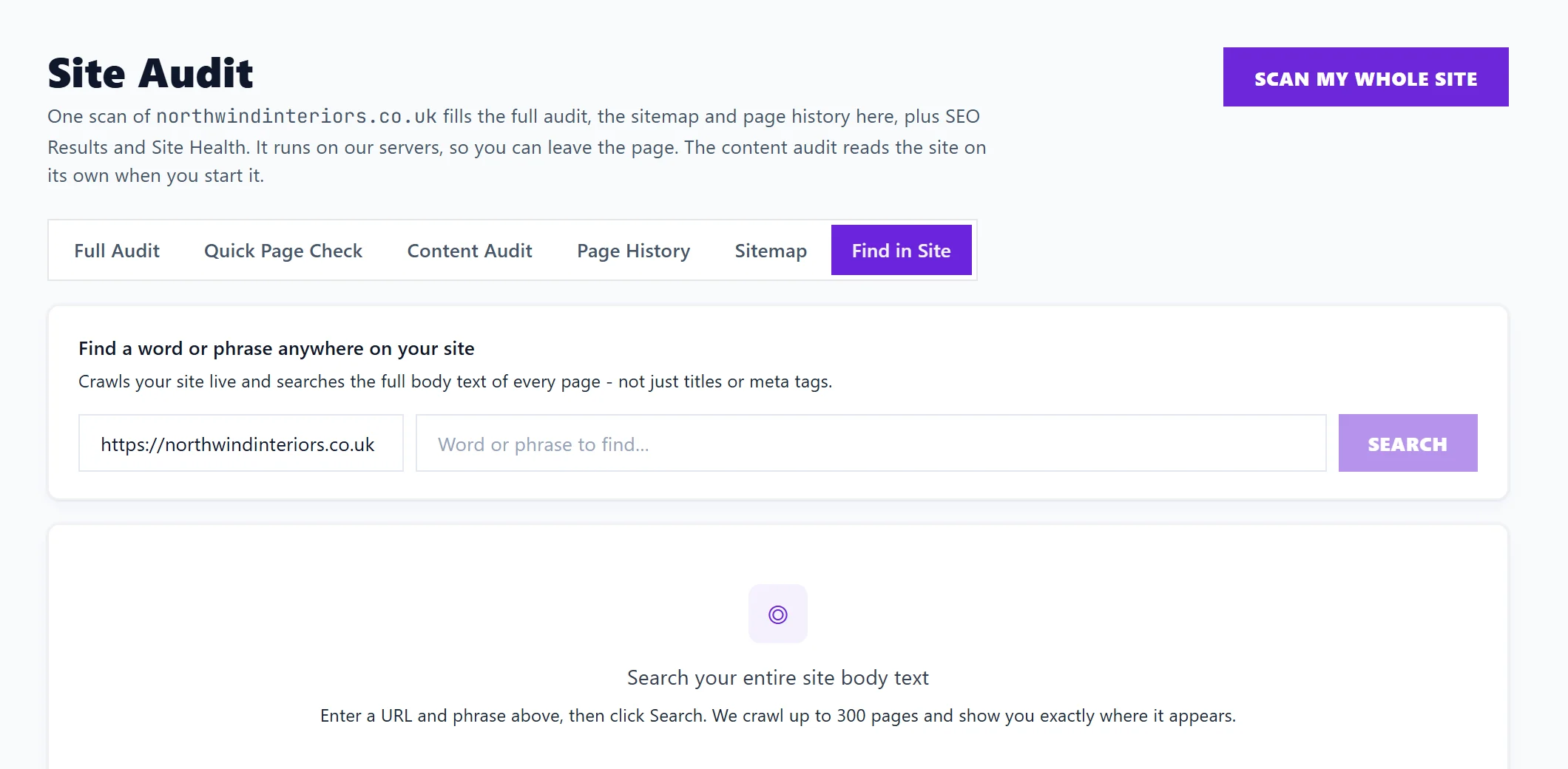
Search your site
- Open Audit, Site Audit, then Find in Site.
- Check the website address, and type what to look for in Word or phrase to find….
- Press Search.
Results arrive while the crawl runs, with how many pages have been crawled and how many matches have been found so far. Stop ends the search early.
The results
A table with one row per page that contains it:
- Page: the address.
- Occurrences: how many times it appears.
- Context: the words around each match, so you can see how it is used.
If the phrase is nowhere, it says so and how many pages were checked. Clear results starts again.
What it is useful for
- Finding an old price, phone number, address or opening time you have changed elsewhere.
- Finding every mention of a product or service you no longer offer.
- Checking how often a keyword actually appears on your pages.
- Finding pages that mention a topic, to link them to a new page about it.
- Finding placeholder text, such as "lorem ipsum", left from building the site.
Questions people ask
My site has more than 300 pages. Will it check them all?
No. It always starts from your home page, follows links and stops at 300 pages. For a bigger site, the raw export of a site scan lets you search titles and headings across every page it read. See export scan results.
Can I leave the page while it searches?
The search keeps running if you switch to another tab inside the app, so you can come back to the results.
Does it count towards my site scans?
No. Find in Site is separate from your site scans.