How do Competitor scores compare my site with my competitors?
On this page
Open Track, then Competitor scores. Each competitor you add is checked with Google PageSpeed when you add it and again every Sunday at 6am your time, and the table sets their speed score, SEO score and loading times against yours. These are page speed and on-page scores, not search rankings: Search Console only reports your own positions.
The summary line
At the top, one sentence says where you stand, for example "You're ahead of 2 of 3 competitors on performance score", and whether they load faster than you. When you are behind, Close the gap opens Site Audit, where the fixes that lift your score are listed.
Your side comes from your project's latest scan with speed figures. If you have none, it says Scan your own site to see how you compare and offers a scan.
The table
For each competitor:
- Their and Yours: Google PageSpeed performance score on mobile, out of 100, and the difference (positive means you lead). A badge says You lead, Behind or Tied.
- LCP: how long until the biggest thing on the page loads. Under 2.5 seconds is good.
- FCP: how long until the first content appears. Under 1.8 seconds is good.
- TTFB: how quickly the server answers. Under 800ms is good.
- Score: a small trend of their score across the Sunday checks.
Buttons on each row:
- First look: only shown until the first check has landed. After that the Sunday refresh does it.
- Compare with their site: opens Topic gaps for that competitor. See compare your site with a competitor.
- Show details: opens Where they beat you with what to do about each gap, Performance vs Yours bars and Score History. Close the gap and Add to to-do turn the gaps into work.
- Remove competitor.
The chart
Competitor Comparison shows Bar or Trend, for Speed or SEO. Trend lines appear after the second Sunday refresh.
Also on this page
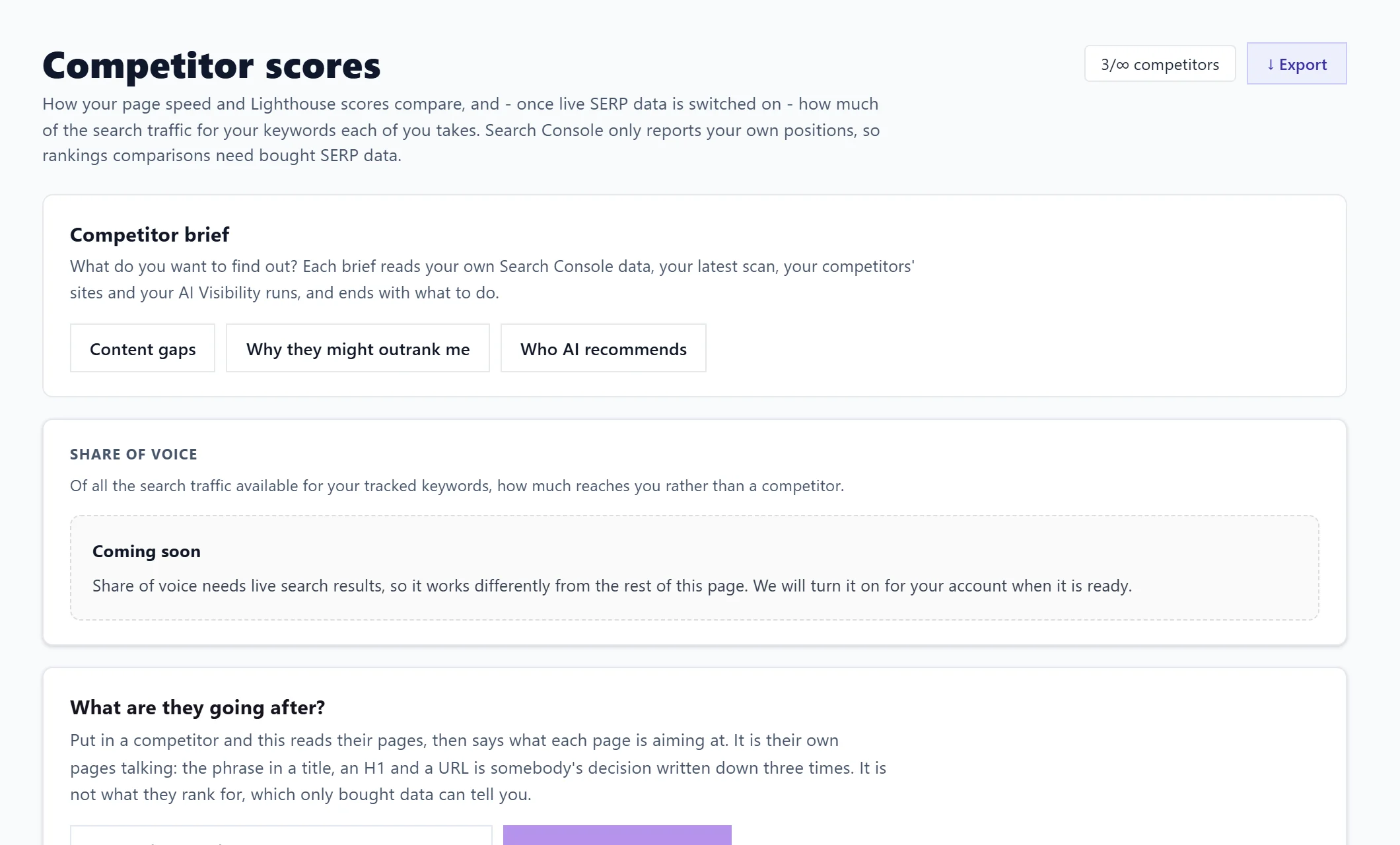
- Competitor brief: one short read with what to do. See the competitor brief.
- What are they going after?: what each of their pages targets. See what a competitor's pages are targeting.
- Share of voice: shows Coming soon. It needs live search results and will be turned on when ready.
- Domain authority: one line on your link strength against theirs, with See the trend to the Authority page. See authority score.
Export the table with Export: CSV has one row for each check; PDF gives a competitor report.
Questions people ask
Can I refresh a competitor by hand?
Only the first look. After that every competitor is refreshed every Sunday automatically.
Is this available on every plan?
Yes, on every paid plan, with 3 competitors a project on Minimum, 5 on Entrepreneur and unlimited on Enterprise. See add or remove competitors.