How do I take the product tour?
On this page
The product tour is a two-minute walk through UtilitySEO in six stops: scan your site, fix what is broken, see what you are found for, find a topic to own, plan it, and watch it work. It opens by itself for a new account after its first sign-in. To take it again, press Take the tour on the first-week checklist, or open the command palette (Ctrl+K) and choose Take the product tour.
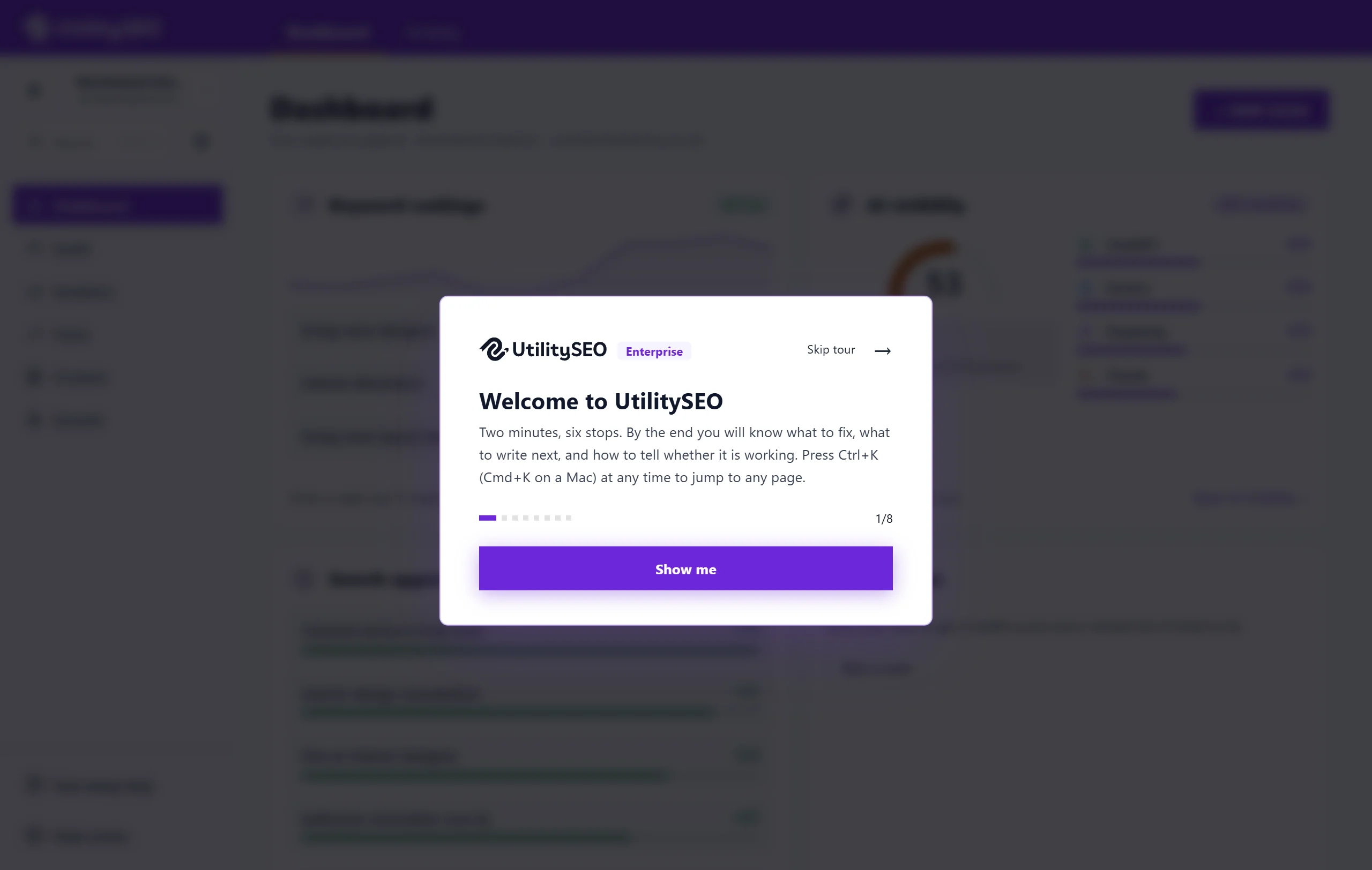
The stops
The tour starts with Welcome to UtilitySEO and Show me. Then:
- Scan your site. Enter your address and the site scan checks your pages for what stops Google ranking them. It needs nothing connected.
- Fix what is broken. Every problem is ranked by how much it matters, with a fix in plain English. Track one and it joins your to-do list.
- See what you are found for. Connect Search Console and the Keywords page fills with the real searches Google shows you for. The Topics view groups them into a map.
- Find a topic to own. Type a topic, or pick a competitor, and Topic gaps gathers the searches around it into groups and shows which nobody has claimed. Topic gaps is on every paid plan.
- Plan it in one click. Plan a group and its posts go into your blog calendar, each with its keywords and angle.
- Watch it work. See every published post: whether it is indexed, where its keyword sits now against the week it went live, and the clicks it earns.
The last card, That is the loop, sums it up and offers Start my first scan.
Moving through it
- Next and Back move between stops. Skip tour closes it at any point.
- Each stop opens the page it is about. On a computer it also highlights that part of the sidebar; on a phone, each stop is a card at the bottom of the screen.
Once you finish or skip, it is saved to your account, so the tour does not open by itself again. You can reopen it whenever you like.
Questions people ask
Does the tour change anything in my project?
No. It only shows you around, opening each page as it goes. Nothing is scanned or planned unless you press the buttons on those pages yourself.
Where can I learn more than the tour covers?
The free Academy has short courses with videos, notes and quizzes. See the Academy. For a person to help, see free setup help.