How do I write and edit the full draft of a blog post?
On this page
In the Writer, finish the outline and press Write the draft. The post is written section by section in about a minute, using 1 Growth blog. It then becomes an editor that saves as you type. Select any text to Improve it for 1 AI use, and use More to copy the post as HTML or markdown, download it, or copy a prompt for another AI. Press Publish when you are ready.
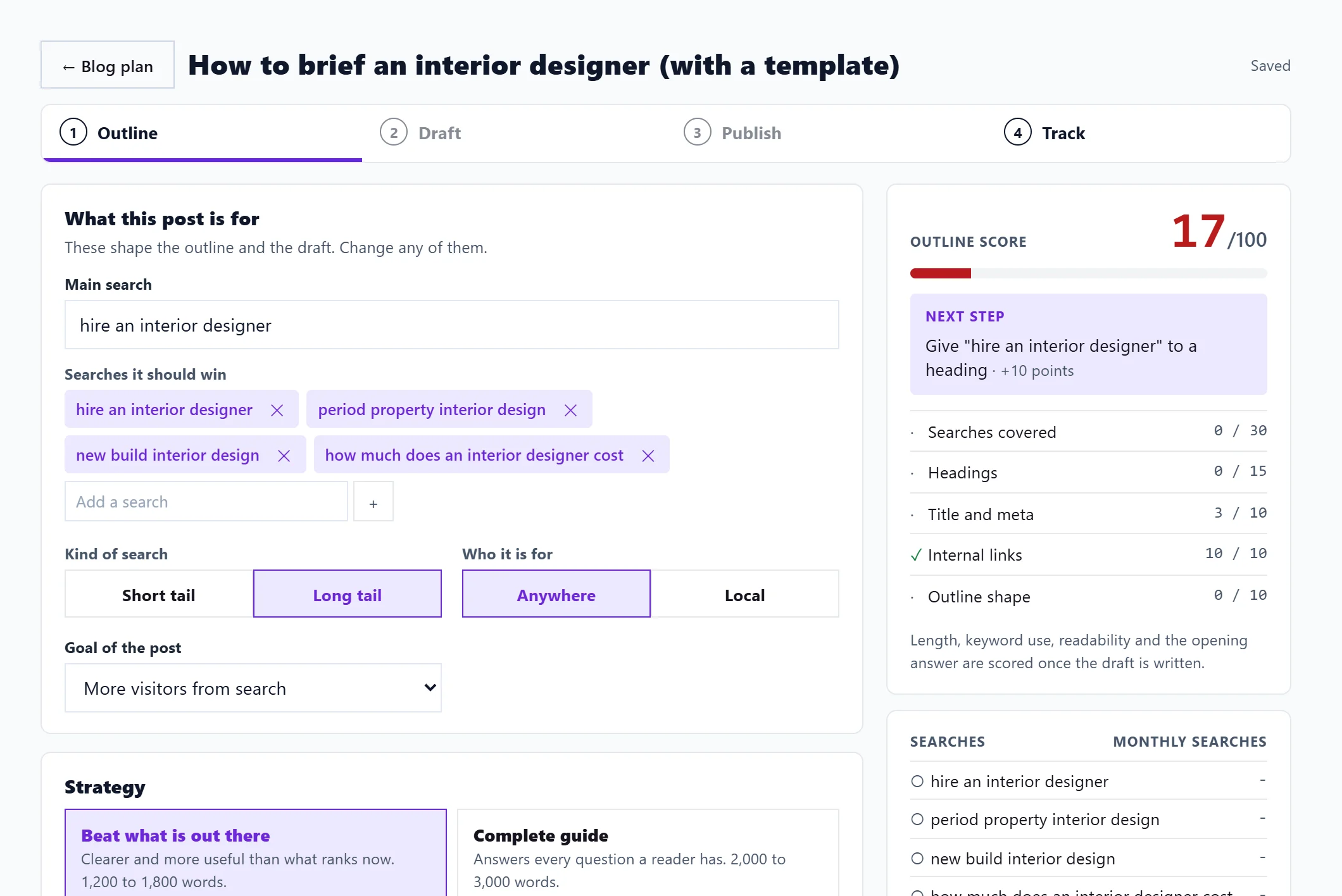
While it is being written
The Draft step shows Writing section 1 of 7 and each section as it lands, from Opening and key takeaways to FAQs and next steps. Keep the page open, or leave and come back: the text is saved as it goes. Stop and give the Growth blog back cancels it and returns the Growth blog. If writing fails, the Growth blog is given back too.
Edit the draft
The editor has buttons for H2, H3, bold, a bulleted list and Link, and Preview to see it laid out. The top of the Writer says Saved once your changes are stored.
Improve part of it
- Select some text.
- Choose Make it clearer, Shorter, Add the main search or Add an example, or type what to change under Or say what to change and press Go.
- Read the Suggested rewrite, then Accept, Try again or Discard.
Each Improve uses 1 AI use, never a Growth blog, and is on Entrepreneur and Enterprise.
The More menu
| Option | What it does |
|---|---|
| Copy markdown | Copies the post as markdown, for editors that take it |
| Copy HTML | Copies the post as HTML, ready for any website builder |
| Download .md | Saves the post as a markdown file named after its title |
| Copy the prompt for another AI | Copies a full writing prompt built from the post's outline, to paste into your own ChatGPT, Claude, Perplexity or Gemini |
| Rewrite the whole draft (1 Growth blog) | Writes the draft again from the outline and replaces your text, after you confirm |
None of the copy or download options use anything.
Next
Press Publish to send the post to your website or copy it across: see publish to your website. The Draft score beside the editor says what to improve first: see the post score.
Questions people ask
What language is it written in?
Your website's language, which we read from your site.
I have no Growth blogs left. What can I do?
Wait for the 1st, move to a plan with more, or use Copy the prompt for another AI and write it in your own AI subscription. See Growth blogs and AI uses.