How do I check whether Google and AI assistants can read my pages?
On this page
Use the Crawler access check on Audit, Site Health. Type your address, or a full page address, and press Check. For each crawler, the software search engines and AI assistants use to read websites, it says whether that page is allowed or blocked, and which line of your robots.txt file decides it. One stray rule can quietly remove you from Google without anything looking broken.
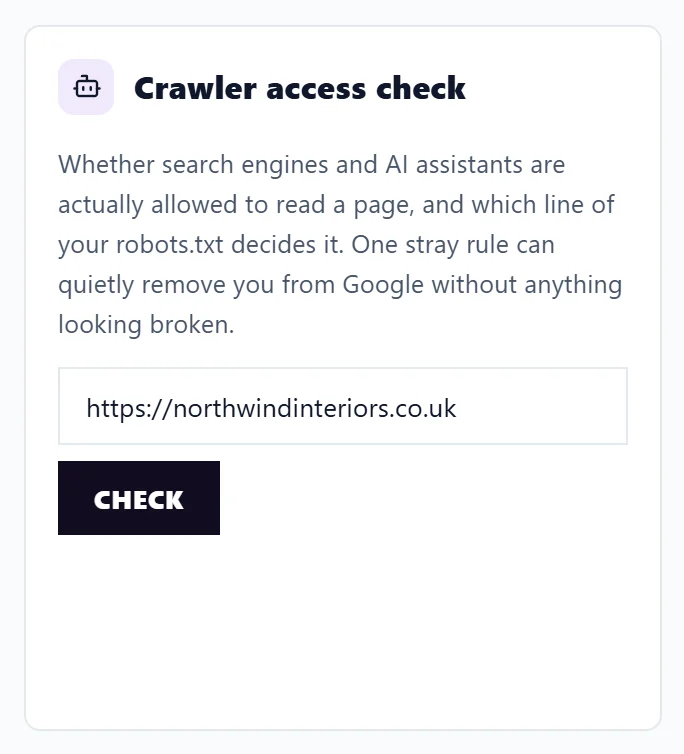
Run the check
- Open Audit, then Site Health. The check is under the area cards, and works even before your first scan.
- Your address is filled in. To test one exact page, paste its full address instead.
- Press Check.
Without a full page address, the results are for your home page, and the check says so.
Reading the results
Crawlers are grouped by what blocking them costs you:
| Group | Crawlers | If you block them |
|---|---|---|
| Search engines | Google Search, Bing Search | You disappear from their results. Bing also feeds ChatGPT's search. |
| AI answers | ChatGPT search, Perplexity, Claude search | You lose mentions and links inside AI assistants' answers. |
| AI training | Google AI training, OpenAI training, Anthropic training, Common Crawl | Your content is not used to train AI models. This does not affect your search rankings. |
Each line shows ALLOWED or BLOCKED and the reason: the robots.txt rule that matched, or that no rule applied. Blocking AI training while staying open to search and AI answers is a sensible choice many businesses make, and the grouping makes it easy to see.
If something important is blocked, Fix the robots.txt file adds the change to your to-do list: remove or narrow the named line, then run the check again.
Show the robots.txt file shows the file itself underneath. If there is none, the check says No robots.txt was found on this site, which means nothing is blocked by it.
llms.txt
The check also looks for llms.txt, a plain-text file at /llms.txt listing what your site is and which pages matter, so AI assistants have something better than guesswork to go on. It shows Present and valid, Present, needs work or Not found. It is a convention, not a rule, and nobody penalises you for skipping it.
Questions people ask
The check says a page is allowed, but it is not in Google. Why?
robots.txt is only one reason. The page may carry a noindex tag, point its canonical tag elsewhere, or not be linked from anywhere. Run a site scan to check those. See run a site scan.
Where do I edit robots.txt?
In your website platform or hosting. Many platforms have a setting or an SEO plugin for it. If you are not sure, send the line named in the result to whoever looks after your site.
Does this check use my scans or AI uses?
No. It does not count towards your site scans and uses no AI uses.
See also can AI answers use your site.