How do I check my structured data with the Schema validator?
On this page
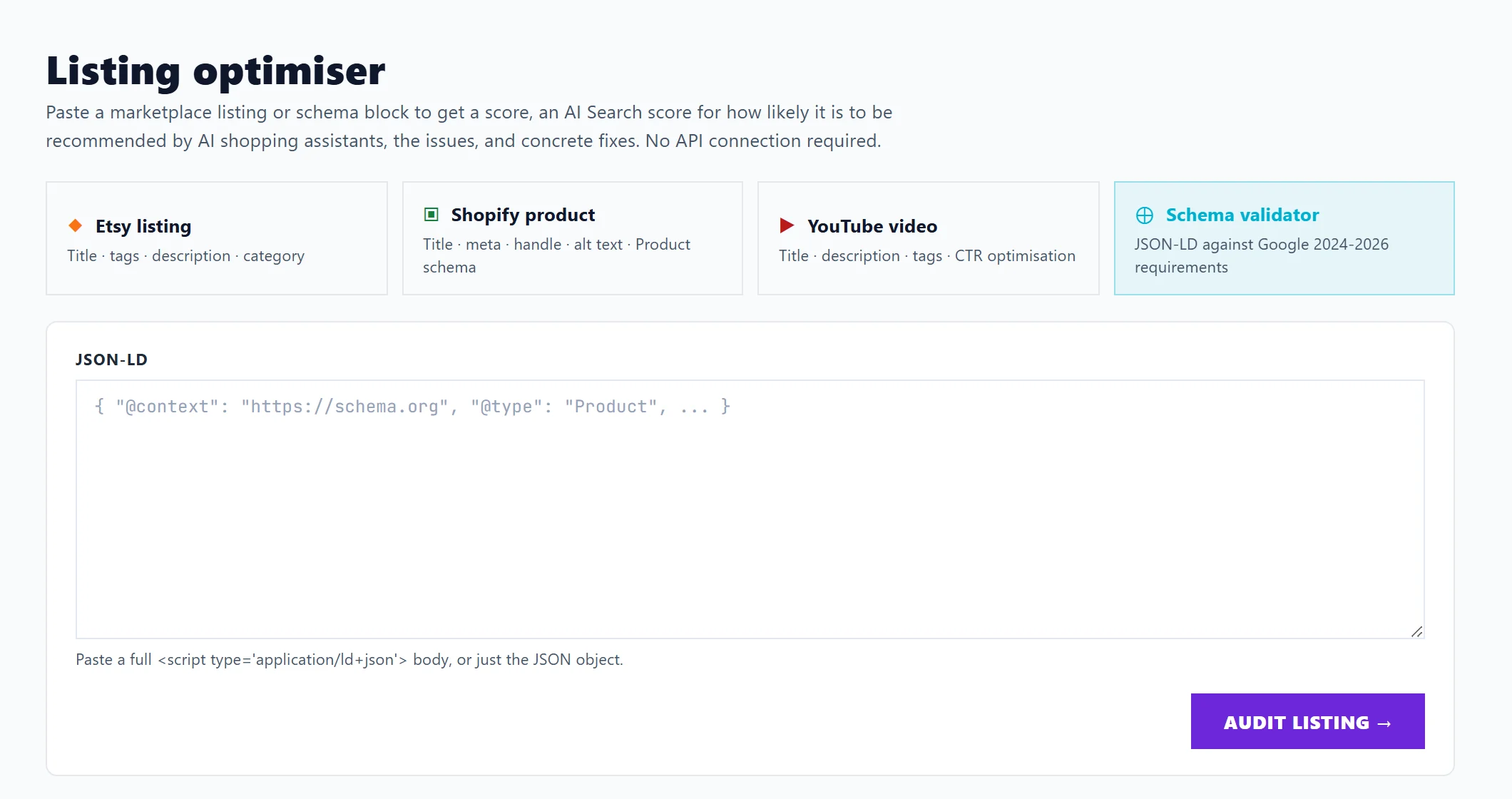
Open Content, then Listing Optimiser, and choose Schema validator. Paste a block of structured data (JSON-LD, the code that tells search engines what a page is about, such as a product with its price and reviews) and press Audit listing. You get a score, the problems found and what to change, checked against schema.org and Google's current requirements. The check is free.
What structured data is
Structured data is a hidden block of code on a page that describes it in a form machines read: this is a product, this is its price, these are its reviews. Google uses it for rich results such as stars and prices under a search result, and AI answers use it to understand the page.
Check a block
- Open Content, then Listing Optimiser, and choose Schema validator.
- Under JSON-LD, paste the full
<script type='application/ld+json'>block from your page, or just the JSON inside it. - Press Audit listing.
To find the block, open your page in a browser, view the page source and search for ld+json. Your website platform or an app may add it for you.
What you get
- A Schema validator score.
- Issues found, worst first, marked Critical, High, Medium, Low or Info. It checks every type and field name against schema.org and says when something will stop Google showing rich results.
- Recommendations: fields worth adding, only for the types actually on the page.
Export CSV downloads the issues and recommendations in one file.
For written fixes and an AI Search score, press Write the AI fixes (uses 1 AI use), on Entrepreneur and Enterprise. The same block again within 24 hours shows them without using another.
Questions people ask
It says my JSON is not valid. What do I do?
A comma, quote or bracket is out of place. Copy the block again from your page in full; if your website builder adds it, the fault is usually in a setting or app that writes it.
Does this change my website?
No. It only reads what you paste. Make the changes in your website or ask whoever looks after it.
Where else can I check?
Google's own Rich Results Test at https://search.google.com/test/rich-results shows which rich results a live page can get.