How do I see my site's structure on the Sitemap tab?
On this page
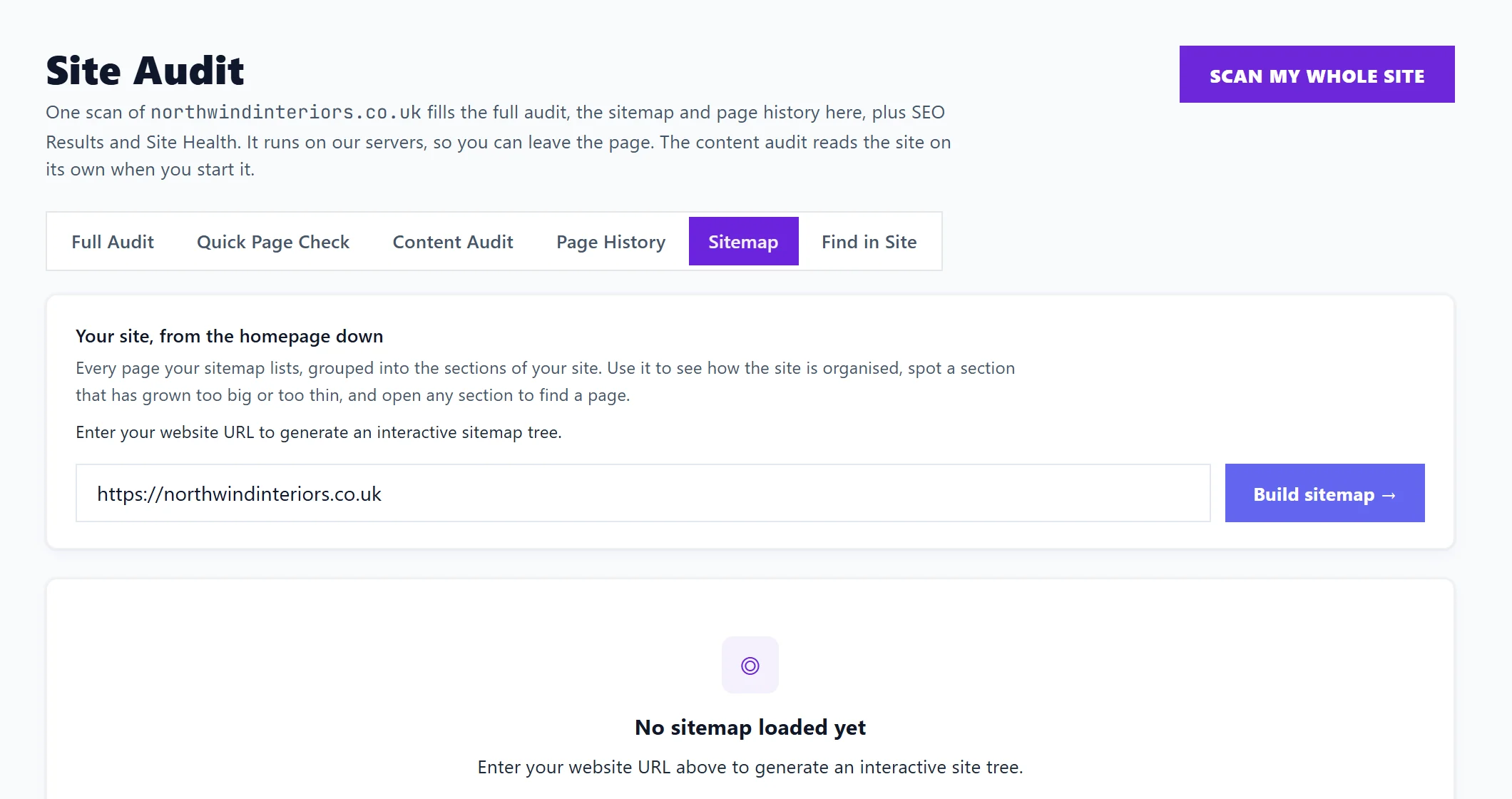
Open Audit, Site Audit, Sitemap and press Build sitemap. It reads every page your sitemap lists and draws your site from the homepage down, grouped into its sections, so you can see how the site is organised, spot a section that has grown too big or too thin, and open any section to find a page.
Build it
- Open Audit, Site Audit, then Sitemap. Your address is filled in.
- Press Build sitemap. It finds your sitemap and builds the tree. Refresh builds it again; Clear empties it.
Scan my whole site at the top of Site Audit builds it too.
The header says how many pages it found, how many levels deep the site goes and where the pages came from.
Three ways to look at it
- Map: the homepage at the top, then a card for each section of your site (the first folder in the address, such as /services or /blog). Each card says how many pages it holds, shows the first few, and Open shows all of them, searchable, with any sub-sections as cards to open in turn. Pages directly under the homepage have a card of their own, Pages at the top level.
- List: the same pages as a folder tree. Click a folder to open or close it, or use Expand all and Collapse all. Hover over a page for its link.
- Diagram: the tree drawn level by level.
Filter pages… narrows any view to pages whose address matches what you type.
When no pages are found
The tab looks for your sitemap in robots.txt and at the usual addresses, such as /sitemap.xml, /sitemap_index.xml and /wp-sitemap.xml. If it finds nothing, it lists where it looked. Your site may have no sitemap, or may block our crawler. The Sitemap check on Site Health can build a sitemap from your last scan. See sitemap check.
Questions people ask
What is the difference between this and the Sitemap check?
This tab shows the structure of what your sitemap lists. The Sitemap check on Site Health looks for problems in it, such as listed pages that no longer load or redirect.
Why does a page I know exists not appear?
It is not in your sitemap. Pages missing from the sitemap are harder for Google to find, so add it, or check your website platform's sitemap settings.