How do I connect Google Analytics 4?
On this page
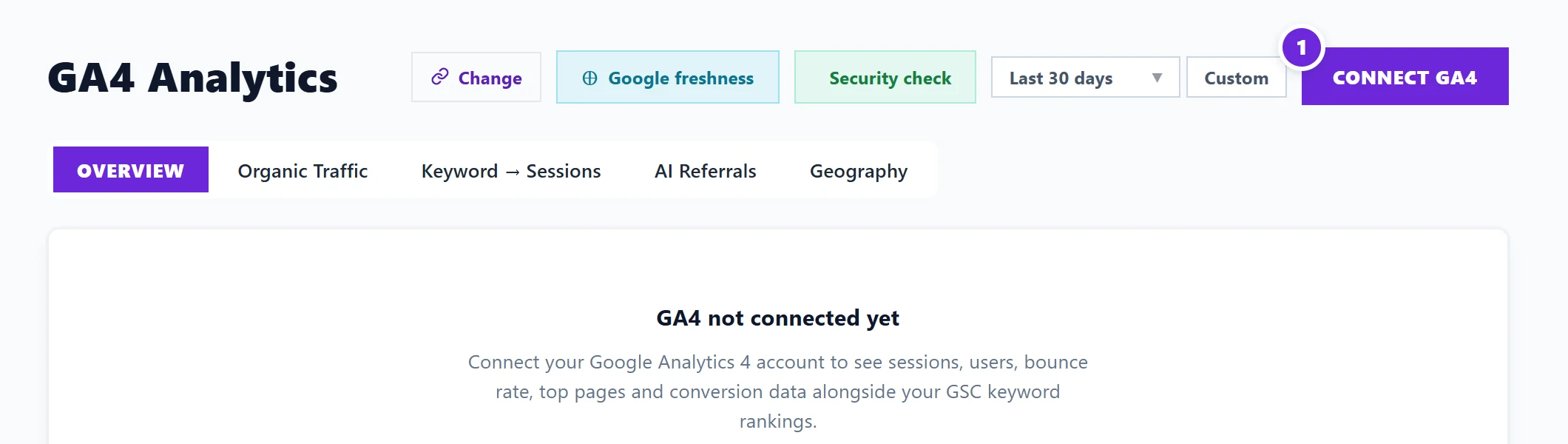
Open Analytics, then the GA4 tab, and press Connect GA4. Sign in with the Google account that can see your Analytics property, allow read-only access, then pick the property for this website. Your visitors, where they come from and your conversions then show in UtilitySEO.
What Google Analytics 4 adds
Google Analytics 4 (GA4) is Google's free visitor statistics for your website. Search Console tells you what happens in Google before someone clicks; GA4 tells you what happens after they arrive. With it connected, UtilitySEO shows:
- Visits and conversions over any date range.
- Where visitors come from: search, direct, social, email and the rest, including visits from AI assistants.
- Search traffic beside your Search Console clicks.
- Obvious bot traffic left out, with a line naming what was left out, so you can check it.
Connect it
- Open your project.
- In the sidebar choose Analytics, then the GA4 tab.
- Press Connect GA4.
- Choose the Google account that has access to your Analytics property, and allow read-only access to Google Analytics.
- Back in UtilitySEO, pick your website's property. If your account has several, we suggest the one whose website matches your project.
You can also connect from Project settings (the cog on your project card), on the Connections tab: press Connect beside Google Analytics (GA4), then choose under Property shown for this project.
Questions people ask
It warns that the property measures a different website. What does that mean?
The property you picked records visits for another address than your project's website. Choose the property for this site in Property shown for this project. Pages that compare Analytics with Search Console only make sense when both describe the same website.
I see no conversions. Is something broken?
Conversions only appear if they are set up in GA4. In GA4, open Admin, then Events, and mark the events that matter (a form sent, a call clicked) as key events. They show in UtilitySEO from then on.
It says the Google account has no Analytics properties. What now?
The account you chose cannot see any GA4 property. Connect again with the Google account that has access, or ask whoever manages your Analytics to give that account access. The free Academy course "Set up Google Analytics 4" covers setting one up.
Do I have to connect Analytics?
No. Search Console matters most. Analytics adds what visitors do on your site, and some Dashboard cards and the Forecast use it.