How do I connect Google Ads to get search volumes?
On this page
Open Analytics, then the Google Ads tab, press Connect Google Ads, sign in with your Google account and choose your Ads account. Search volumes, from Google's own Keyword Planner, then fill in on your Keywords and keyword research. It is free and you do not need to run any ads.
Why Google Ads gives you search volumes
Search volume is roughly how many times a month people search for something. Google publishes these figures through Keyword Planner, a tool inside Google Ads. Connecting Google Ads lets UtilitySEO look them up for you. It costs nothing per look-up and needs no ad spend.
With Google Ads connected you get:
- Monthly search volumes in the Volume column on Keywords and in keyword research.
- Related ideas in keyword research: searches Keyword Planner suggests that do not start with your own words.
- What a click is worth, from what advertisers bid for the same search.
- If you do run ads: spend, clicks, conversions and return on ad spend, on the Google Ads tab.
Connect it
- Open your project.
- In the sidebar choose Analytics, then the Google Ads tab.
- Press Connect Google Ads.
- Sign in with the Google account you use for Google Ads, and allow access.
- Back in UtilitySEO, choose the Ads account for this project.
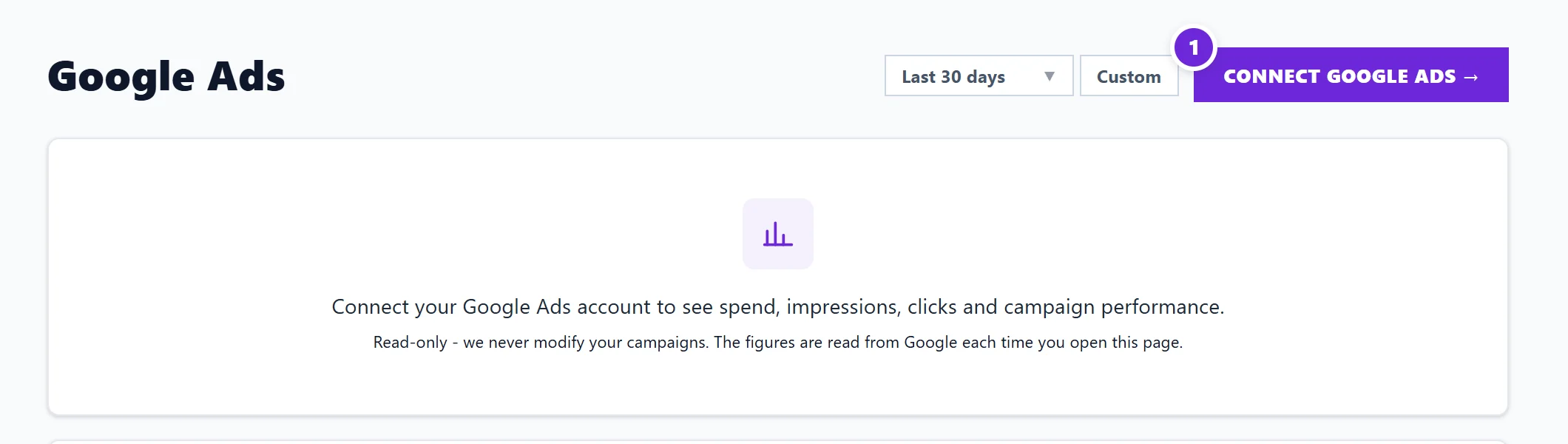
You can also connect from Project settings (the cog on your project card), Connections, then Connect beside Google Ads. The account you pick is remembered for this project; each project keeps its own.
Reading the numbers
- Volumes are counted in one country: the project's own country where its web address shows one (.co.uk, .de, .nl), or the one you pick. Worldwide has no volumes; pick a country.
- Small figures appear as a band, such as 0-10, the way Keyword Planner shows them.
- Bid ranges are in the currency named in the column heading. That is the currency of our Keyword Planner account, not your own Ads account.
Questions people ask
Will UtilitySEO change my campaigns or spend my money?
No. We only read from Google Ads. We never create, change or pause a campaign, and connecting costs nothing.
It says it cannot see any Google Ads accounts on this login. What now?
The Google account you chose has no access to an Ads account. Sign in with the account that does, or ask whoever manages your Google Ads to add you.
Do I need Google Ads if I already have Search Console?
Search Console tells you the searches you already appear for, with your own impressions and clicks. It does not say how many people search in total. Google Ads fills in that total, which helps you choose which searches are worth the effort.