Why is the UtilitySEO API refusing my request?
On this page
Every refusal from the API has an HTTP status and a short code saying why. The usual ones are unauthorized (401: the key is missing, wrong or revoked), forbidden (403: the key lacks permission or the account has no active plan), rate_limited or scan_limit_reached (429: wait and try again) and scan_running (409: a scan is already in progress).
Errors look like this:
{ "error": { "code": "not_found", "message": "No scan with that id on this project." } }The message says what to fix in plain words.
Each error and what to do
| Status and code | Why | What to do |
|---|---|---|
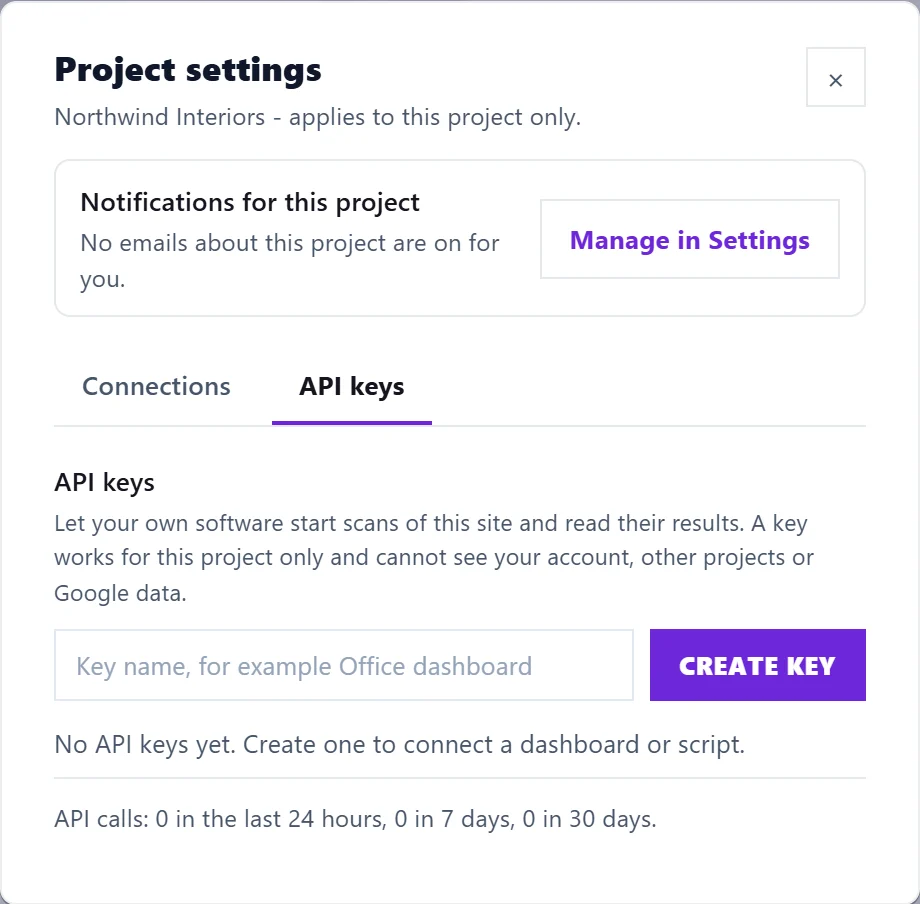
401 unauthorized | No key, a mistyped or revoked key, or a token that is not an API key | Send Authorization: Bearer usk_live_... with a key from Project settings, API keys. App sign-in tokens and connector keys are not accepted |
403 forbidden | The key's maker lost owner or Full Access rights, or the account has no active plan | Create a new key as an owner or Full Access member, or choose a plan in Settings, Billing |
400 invalid_request | A value is missing or wrong, for example a page on another website or too many pages | Read message. Page scans must be on the project's own site; maxPages cannot be more than your plan allows |
404 not_found | No such scan, issue or guide on this key's project | Check the id. Each key sees one project only |
409 scan_running | A scan of that type is already running | Wait for the scan named in scanId to finish |
409 not_finished | You asked for results before the scan finished | Wait, then ask again, or use a webhook |
429 rate_limited | More than 60 requests a minute, or 10 scan starts an hour, on this key | Wait the number of seconds in the Retry-After header |
429 scan_limit_reached | Your plan's scans for today are used, in the app and the API together | Wait until midnight UK time (resetsAt), or move to a bigger plan |
501 not_supported | Scheduled scans | Start scans from your own scheduler with POST /scans |
500 server_error | A fault on our side | Try again shortly |
Other things to check
- Calling from a web page: the API only works from a server. Browsers are refused, which also keeps your key out of sight.
- A scan restarted: if we update the app while a site scan runs, it starts again under a new id. Asking for the old id answers with the new scan.
- Your trial ended: the API stops until you choose a plan. Your keys work again straight away after.
See the UtilitySEO API and API webhooks.
Questions people ask
Every answer has X-RateLimit headers. What are they?
X-RateLimit-Limit and X-RateLimit-Remaining show how many requests the key may make in the current minute and how many are left.
Can support see why my request failed?
The API keys tab shows how many calls each project's keys made. For a particular failure, email support@utilityseo.com with the time, the request and the code you got.