How does the YouTube Writer work?
On this page
Open Content, then YouTube Writer. Say what the video is about, optionally add the searches it should rank for, your channel and the transcript, and press Write it. You get three titles to pick from, a description, chapters (only from the times in your transcript), tags and hashtags, each ready to copy into YouTube Studio. Each run uses 1 AI use and is on Entrepreneur and Enterprise.
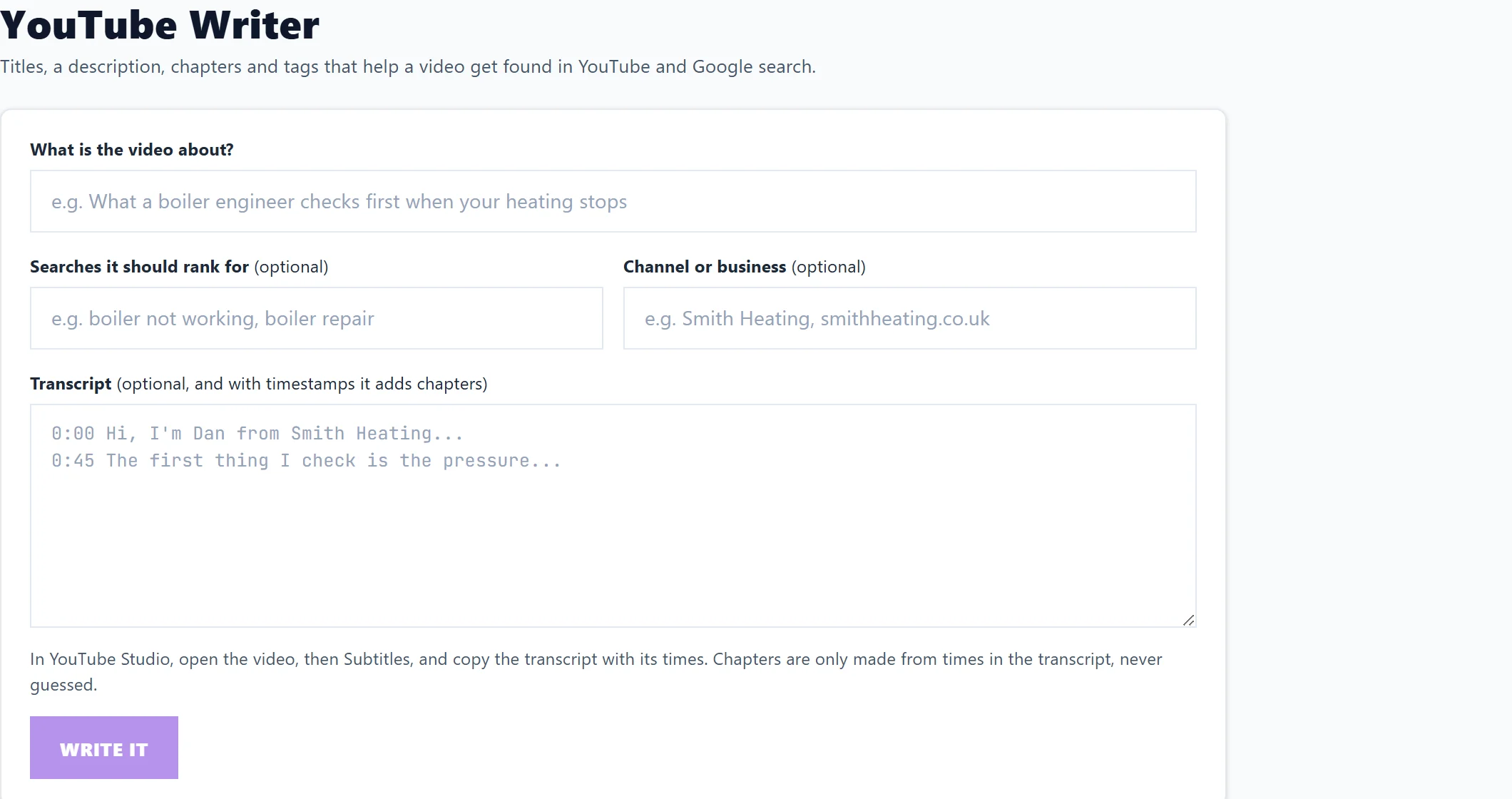
Write a video pack
- Under What is the video about?, describe the video in a sentence, for example "What a boiler engineer checks first when your heating stops".
- Under Searches it should rank for (optional), add the searches you want it found for.
- Under Channel or business (optional), add your channel name or website.
- Under Transcript, paste the video's transcript. It is optional, but with timestamps it adds chapters. In YouTube Studio, open the video, then Subtitles, and copy the transcript with its times.
- Press Write it. Write again gives a fresh set (another AI use).
What you get
- Titles, pick one: three titles, each with a character count out of 100. A title longer than about 70 characters may be cut off in search results; the count says so.
- Description: two or three short paragraphs. The first sentence says what the viewer gets and uses the main search, because it shows in search results. Hashtags go at the end.
- Chapters: inside the description, made only from times in your transcript, never guessed. YouTube needs at least three, starting at 0:00 and each ten seconds or longer; if your transcript's times do not give that, it says there are no chapters.
- Tags: most important first, trimmed to fit YouTube's 500-character limit. Paste them into Tags in YouTube Studio.
Every part has its own Copy button.
It writes in your website's language.
Check an existing video
To score a video you have already published, paste its title, description and tags into Content, Listing Optimiser, YouTube video. See Listing Optimiser and Bulk Rewrite.
Questions people ask
Why are there no chapters?
You did not paste a transcript, or its times did not give at least three chapters from 0:00. Paste the transcript with its timestamps.
Can I use it on Minimum?
The writing uses AI, which starts on Entrepreneur.