How do I find sites that link to my competitors but not to me?
On this page
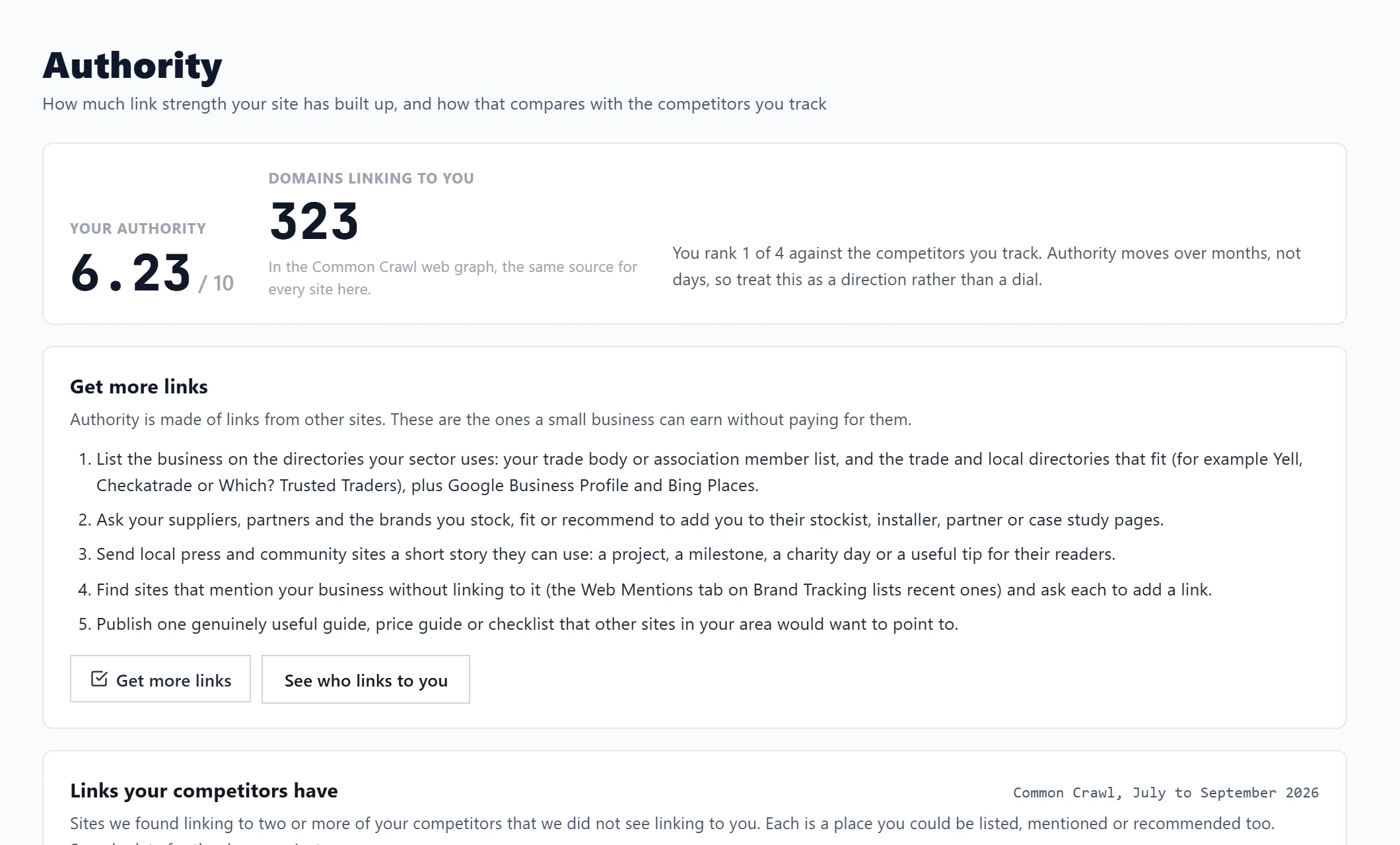
Open Track, then Authority, and scroll to Links your competitors have. It lists sites we found linking to two or more of your competitors (or to the one you choose) that we did not see linking to you, each with what kind of site it is and how to get listed there. Choose which competitors to compare with the buttons at the top of the card.
Read the list
Each site shows:
- what kind of site it is, with advice: a Directory or review site (list your business, most have a free listing), a Chamber, trade body or club (join, sponsor or speak at an event), Local press or blog (pitch them a story) or a Supplier, partner or other site (ask whether they would list or mention you too);
- Web rank: how linked-to the site is across the web; lower is stronger;
- which of your competitors it links to.
The top 100 are shown; Show the top expands the list. A line under it says what was left out and why, such as sites already linking to you, spam or web designer credits, and your own or a competitor's other sites.
Where the data comes from
Common Crawl's public web graph, read every three months. It sees part of the web, so the card never says a site does not link to you, only that we did not see a link. Big directories such as Checkatrade and Yell are not in it, and a link may have gone since it was seen. A competitor added after the last read is included from the next one.
Make the list more accurate
Open Your other domains and the links you already have:
- Other domains you own: an old name, another ending (.com and .co.uk) or a sister site. Links to these count as links to you. When we spot your name on another ending, we ask Is it yours?
- Links you already have: upload Search Console's Top linking sites export (in Search Console open Links, find Top linking sites, press More, then Export and Download CSV) and press Upload the Top linking sites export. Sites already linking to you are then left out. Connecting Bing Webmaster does the same.
Who links to you
Further down the page:
- Links from Bing: connect your Bing Webmaster Tools account with an API key (in Bing Webmaster Tools open Settings, then API access) and press Connect Bing. The pages linking to your site show here, free. Refresh reads them again; Disconnect removes the connection.
- Who links to you: a list of linking sites from a paid link source, where it is switched on for your account. When it is not, the card says so rather than showing an empty list.
Questions people ask
Why does it say Link data is not in yet?
Your competitors joined after the last quarterly read. They appear from the next one.
Why are no openings found?
Every site we saw linking to them already links to you, or is one we leave out. Try adding a bigger local competitor; more links make a more useful list.